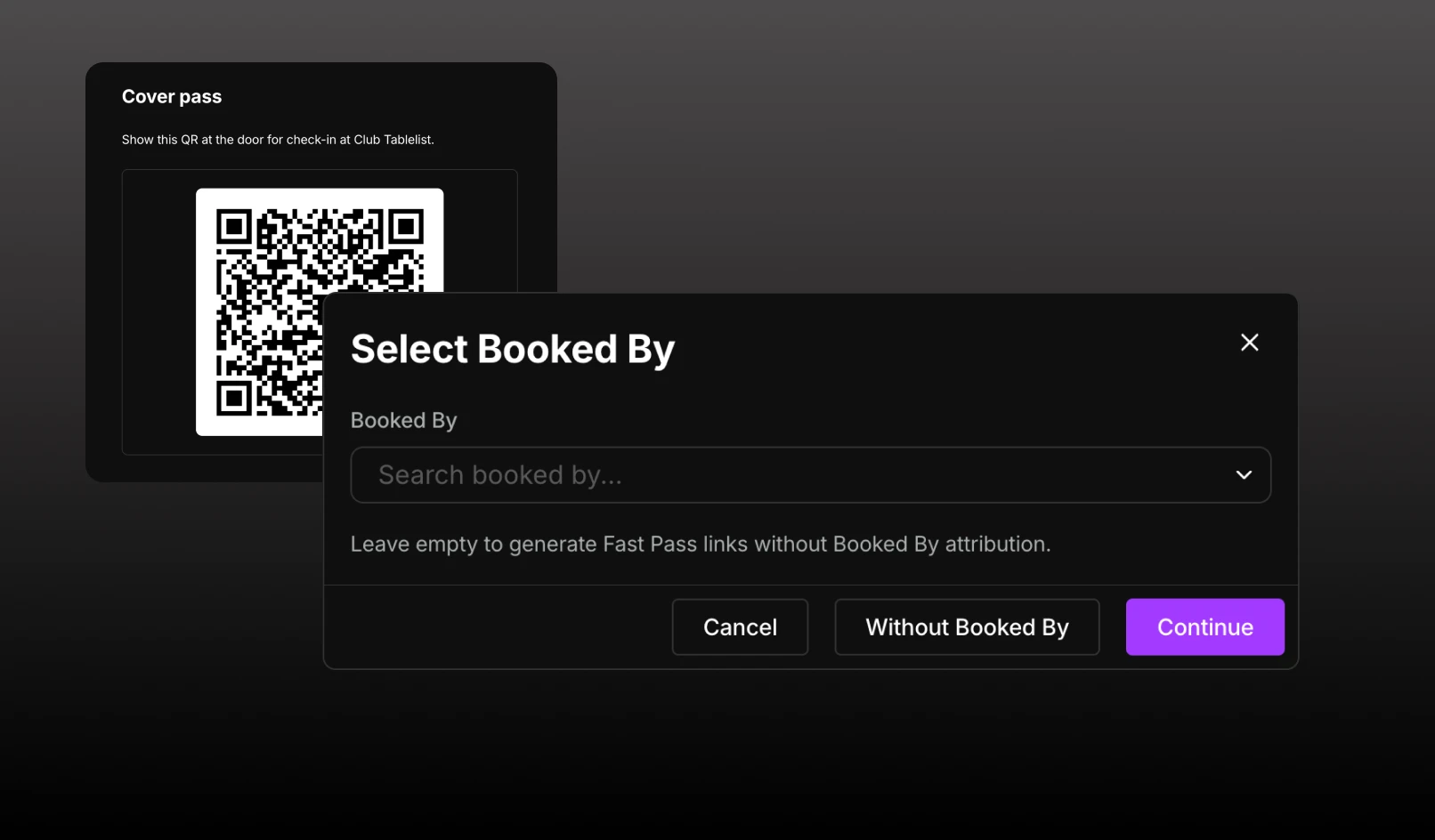
Add Booked By attribution to any Fast Pass link, including Cover.
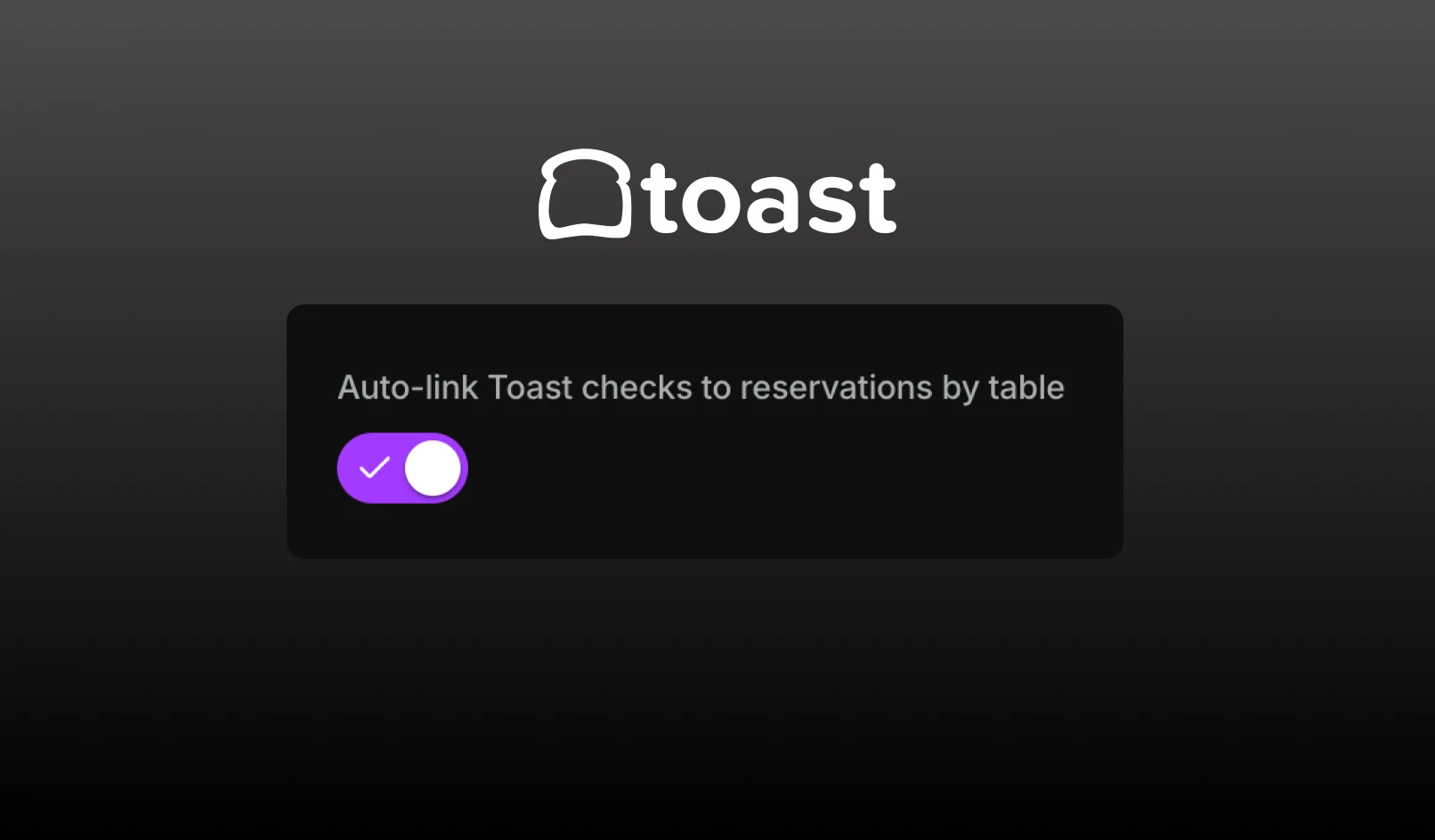
TablelistPro can now match Toast checks to the right reservation automatically, so table spend stays current without opening each reservation to attach the ticket.
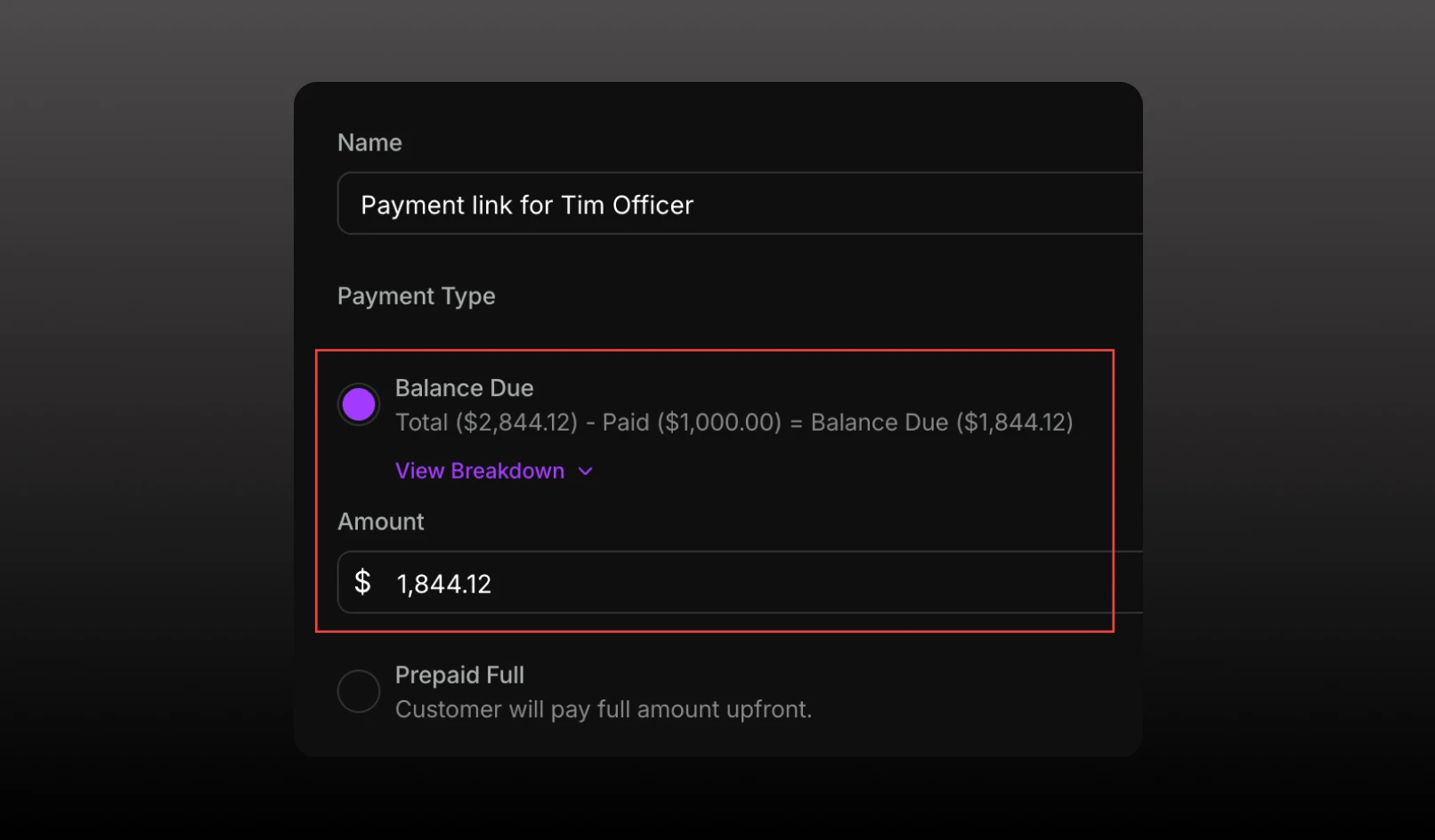
Collect the rest of a reservation after a deposit with a Balance Due payment link. The amount defaults to what’s still owed, including tax and fees.
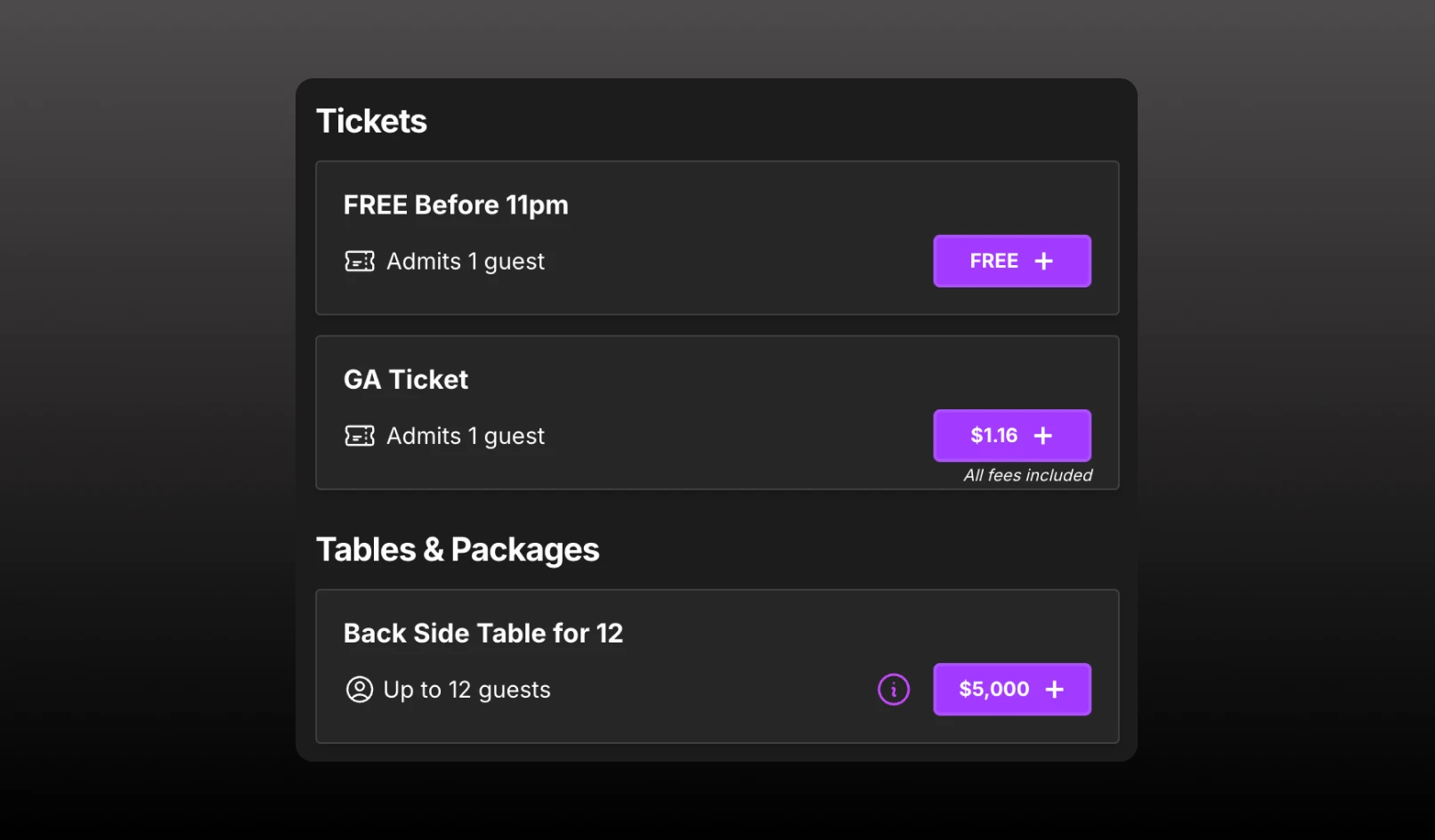
On your booking widgets, the inventory list shows tickets first and then tables.
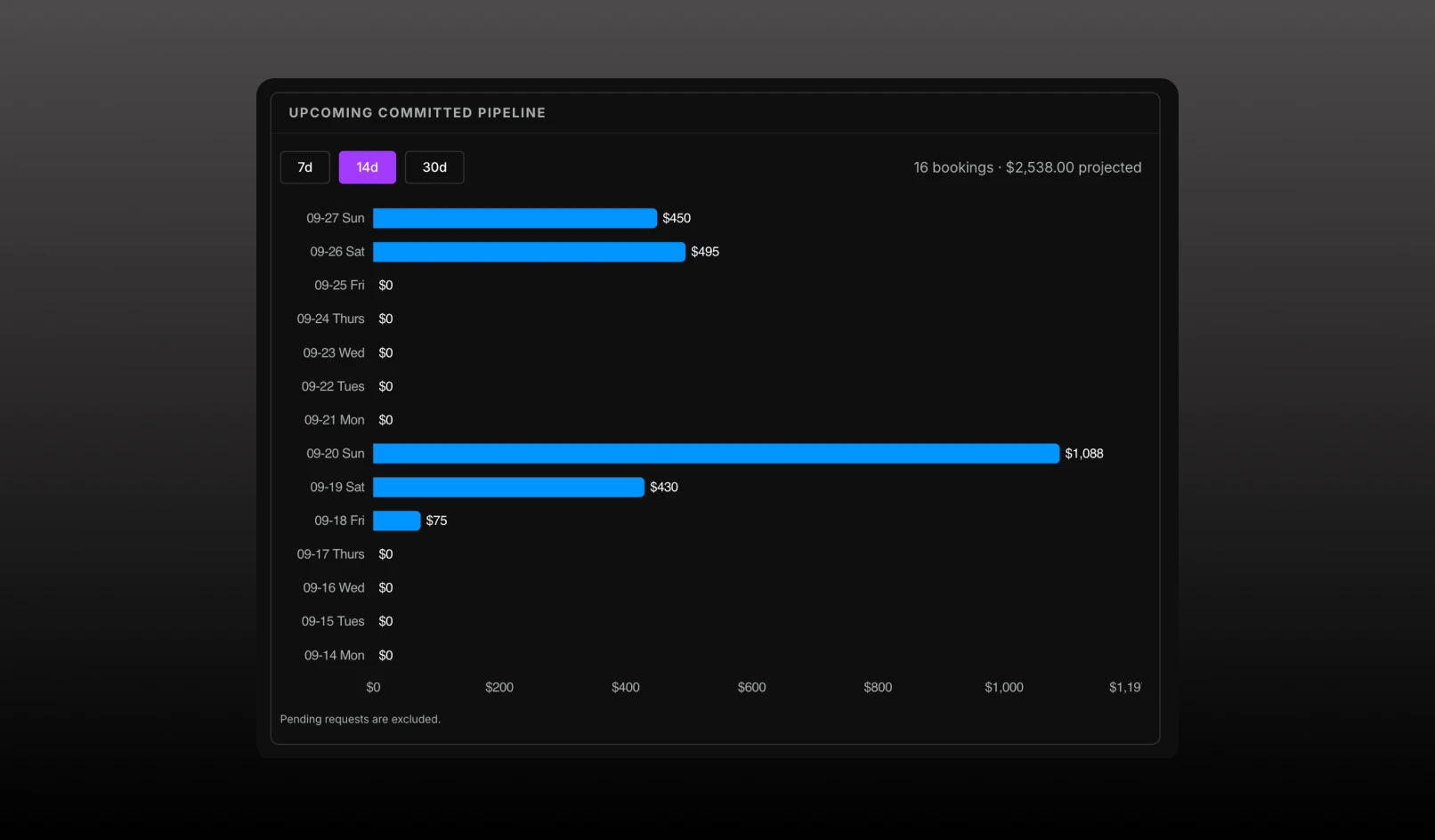
Analytics Dashboard now shows upcoming committed pipeline: confirmed table bookings and projected minimums for the next 7, 14, or 30 days.
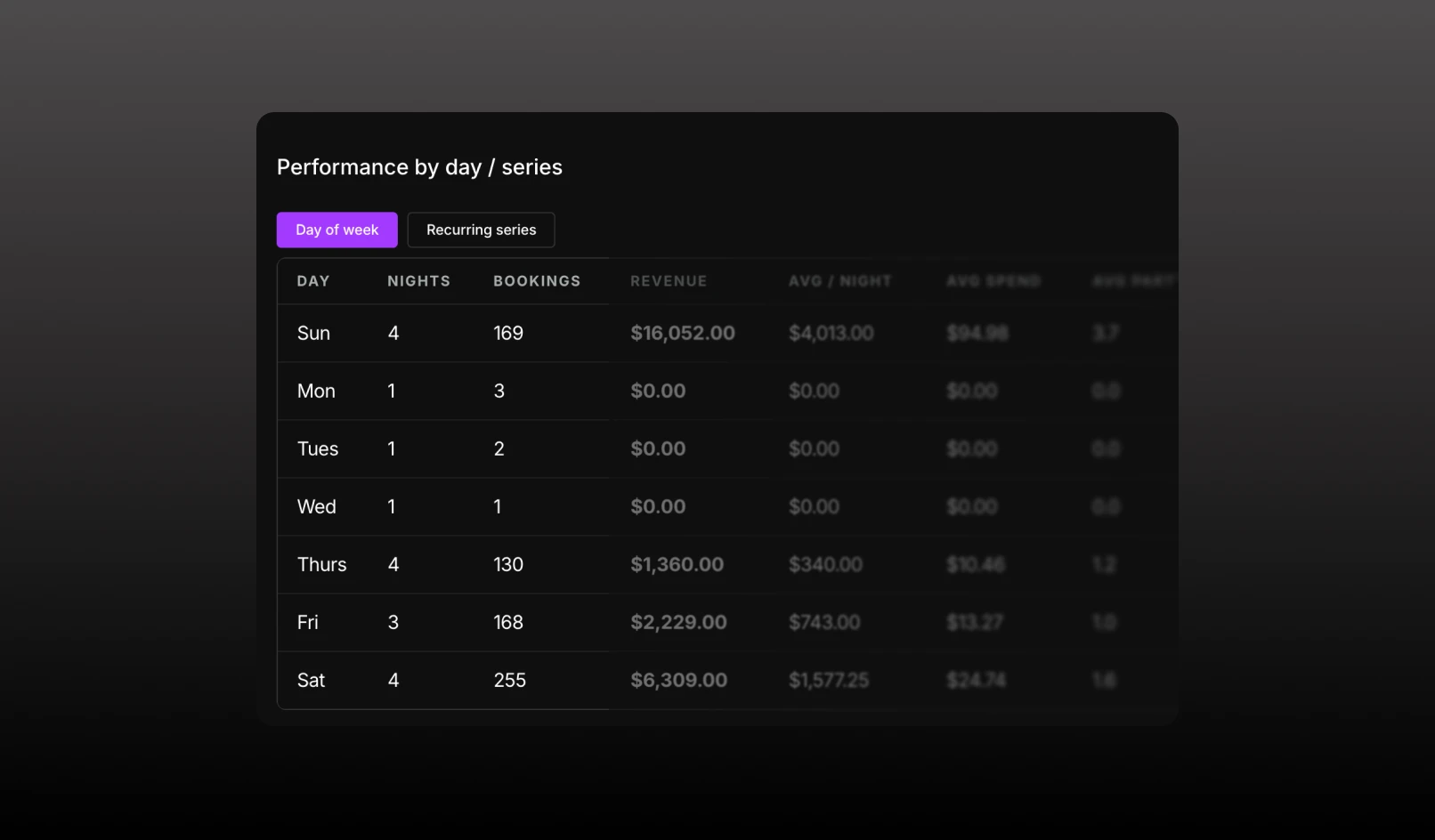
Analytics Dashboard now breaks down performance by weekday or recurring series.
Connect Billfold POS to TablelistPro to automatically sync live POS spend and itemized tickets directly to reservations.
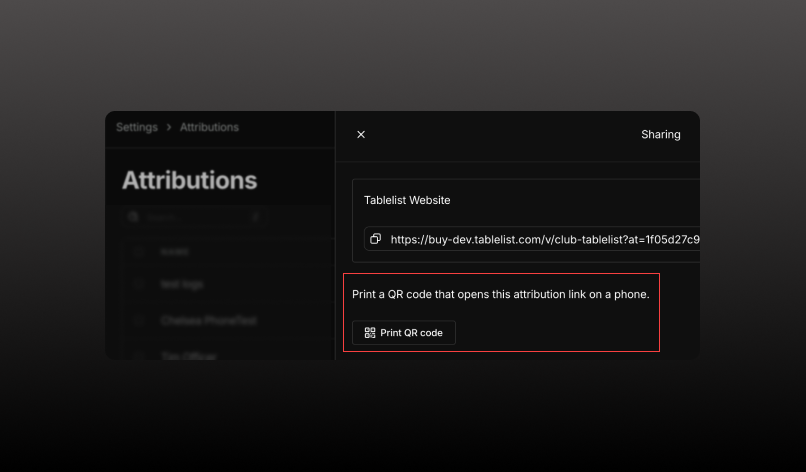
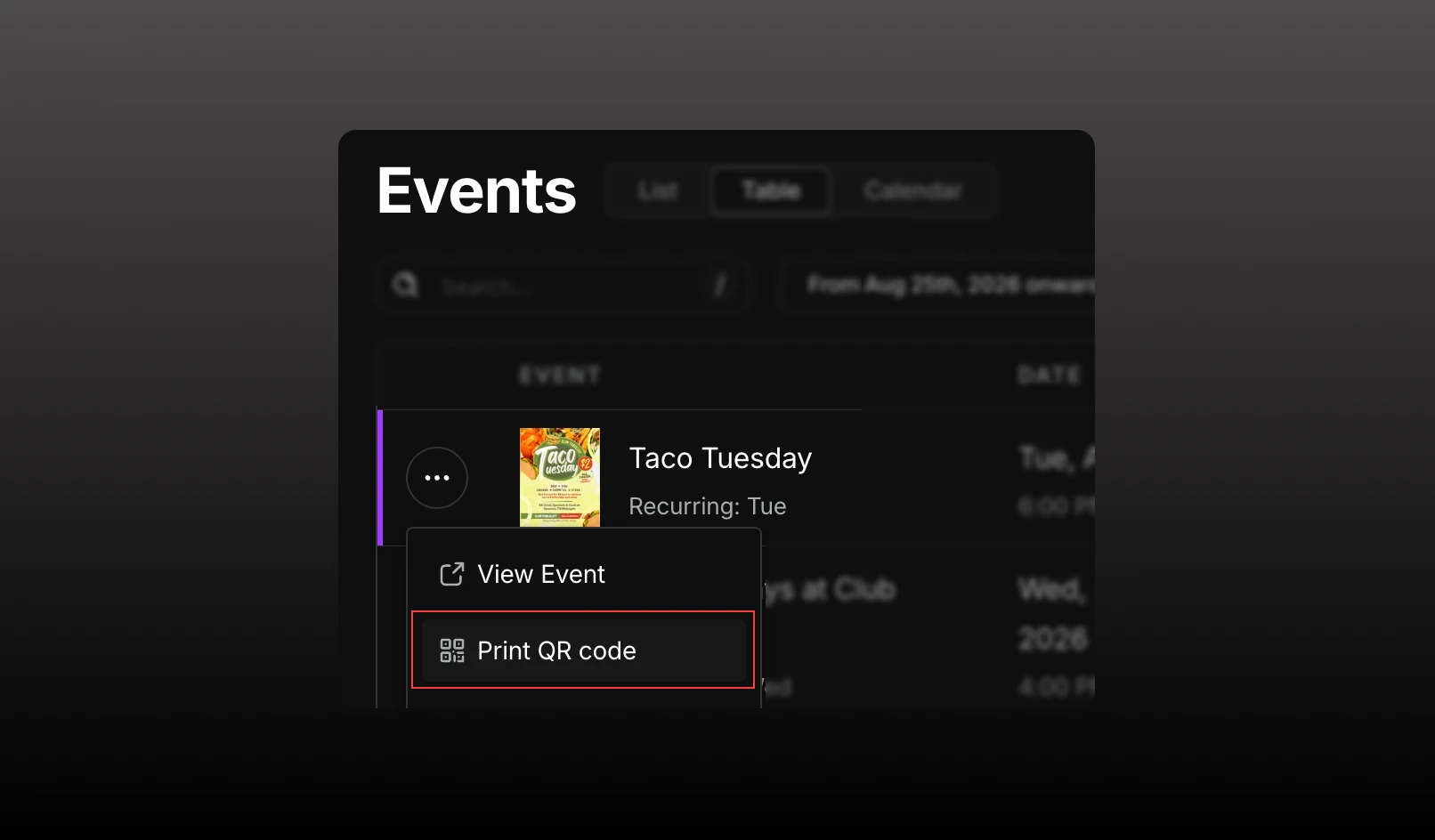
Print a QR code for an attribution link, so the booking is credited to that source.
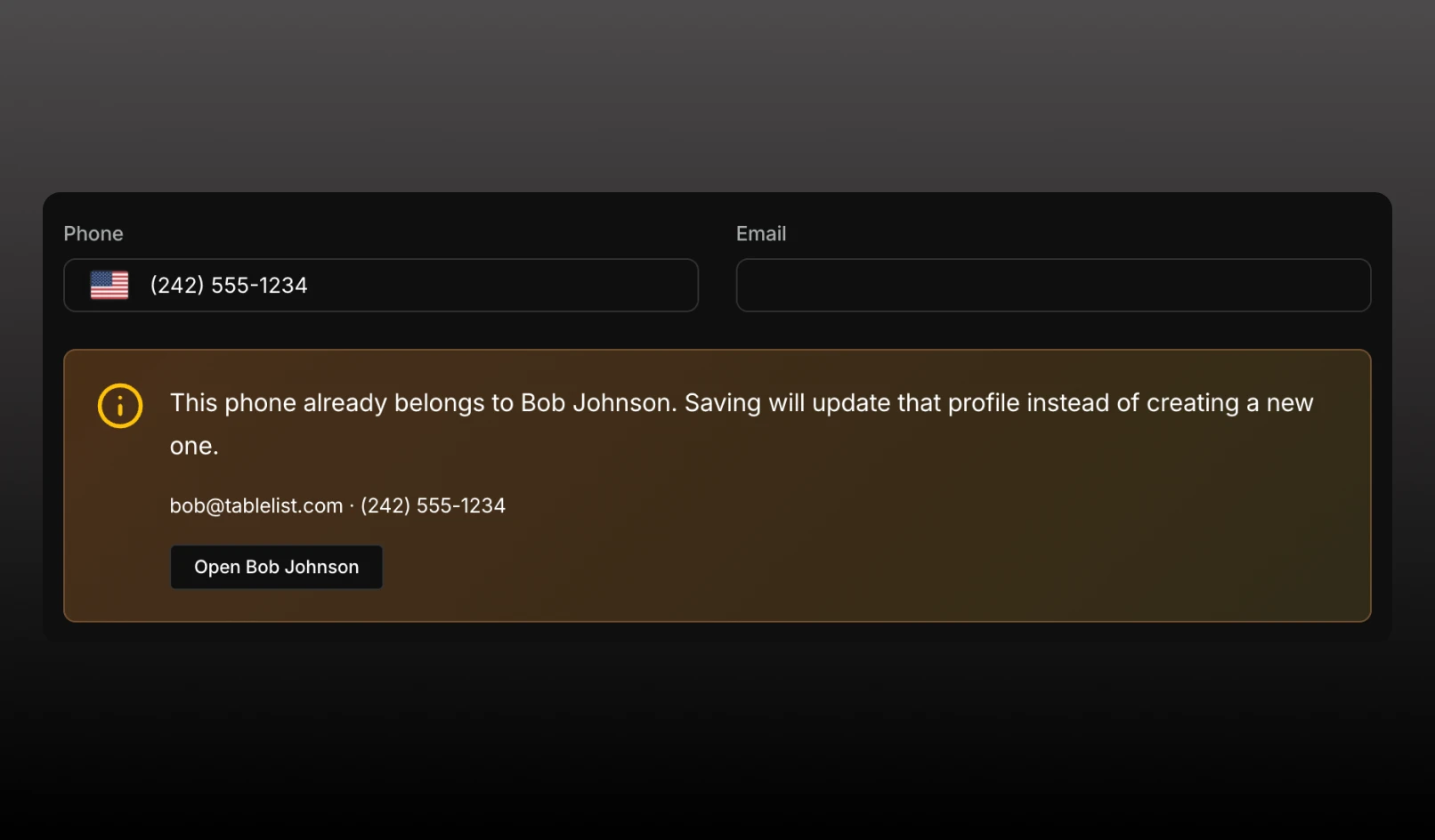
Creating or editing a customer now checks for an existing profile with the same phone or email.
Share a QR code guests can scan to open an event, your venue page, or a widget on their phone. Print it from the browser print dialog.
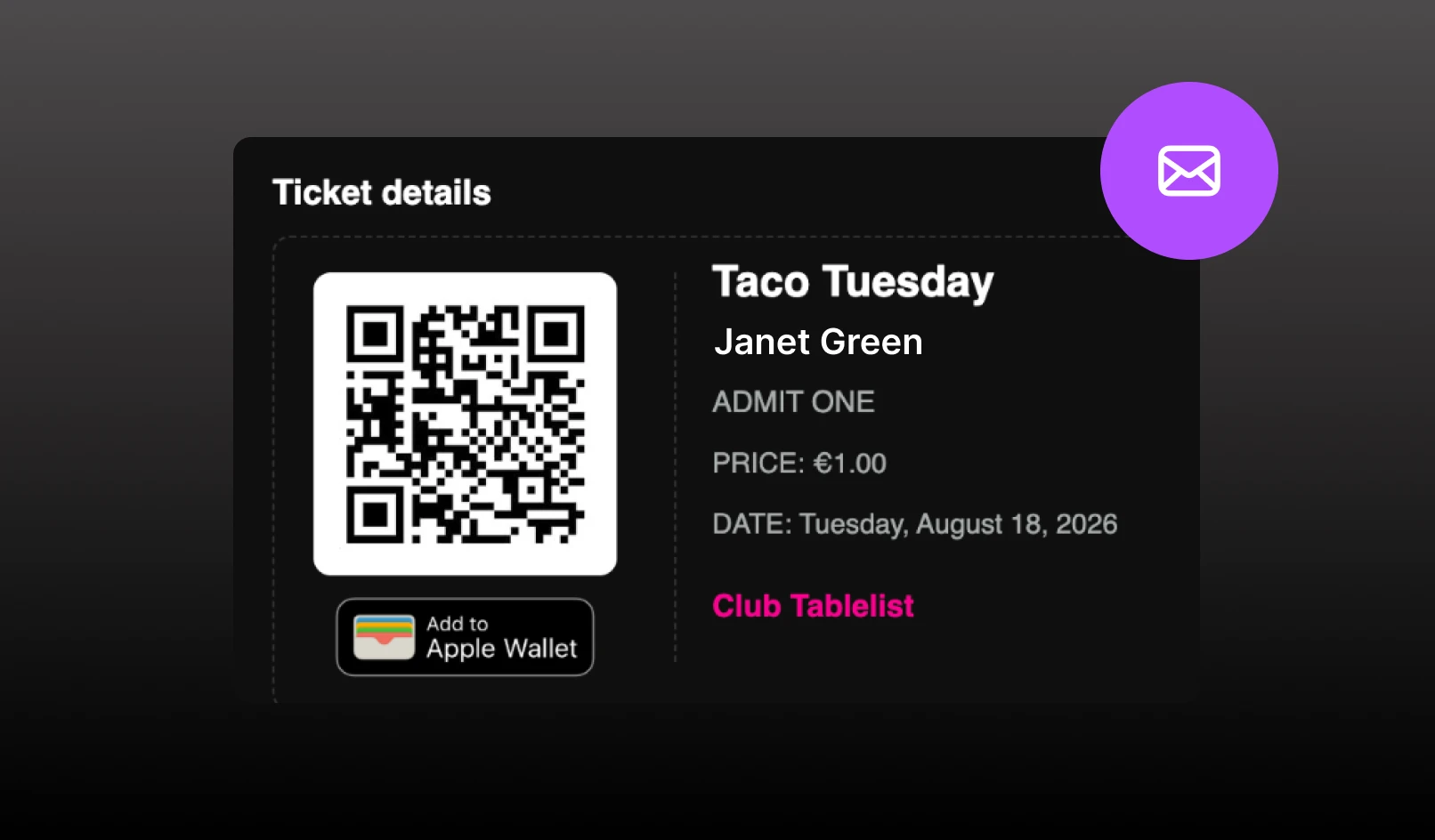
New email templates for order, ticket, guestlist, and reservation confirmations.
Customer list responses now include structured customerTags. Admission-group GET responses now include reservation tags (AdmissionGroupTag).
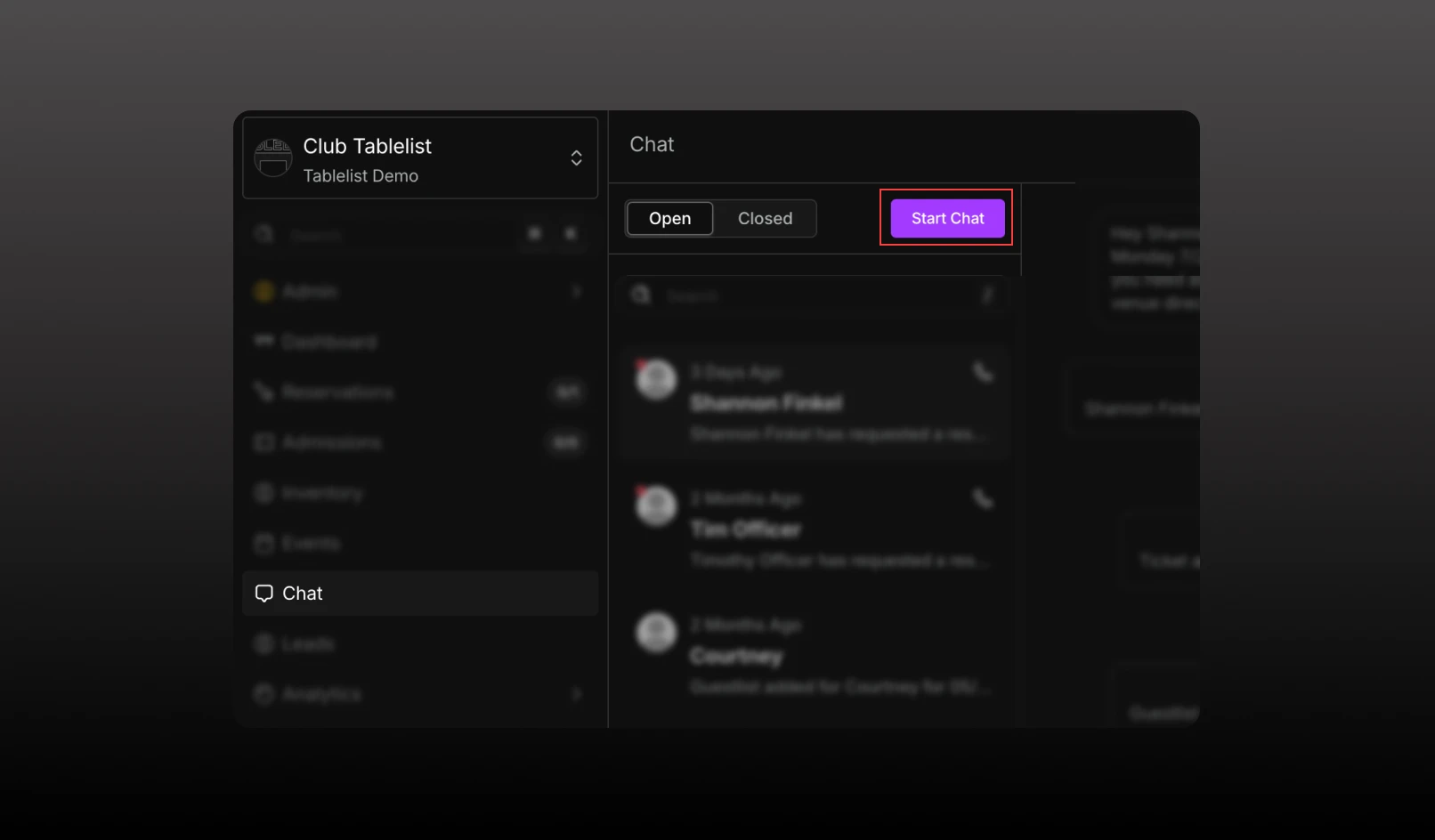
We've added two new ways to start conversations with your customers, making it easier to reach out whenever you need.
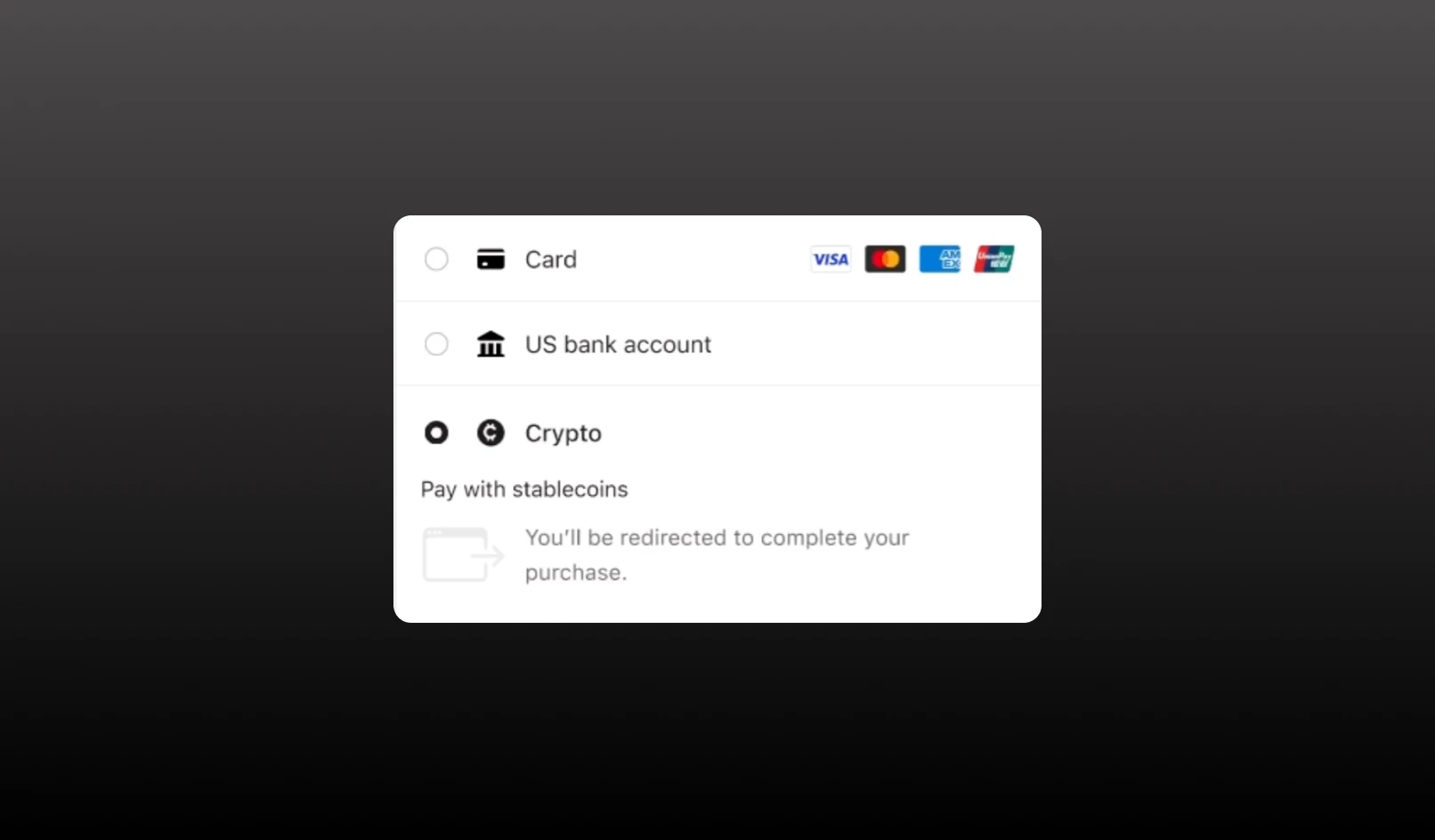
Guests can now pay with stablecoins (Crypto) at checkout through Stripe.
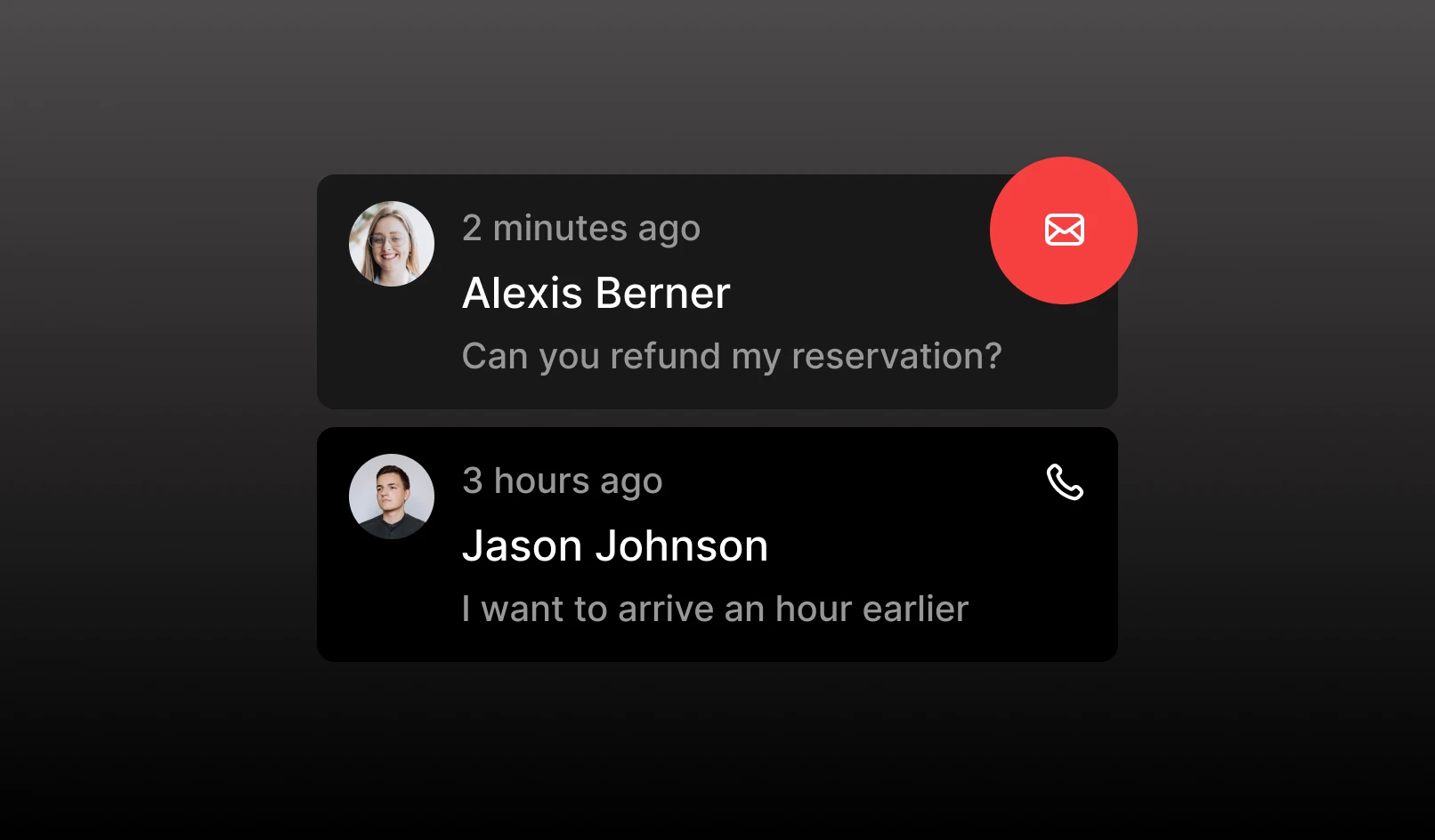
Customer Chat now handles email, not just texts.
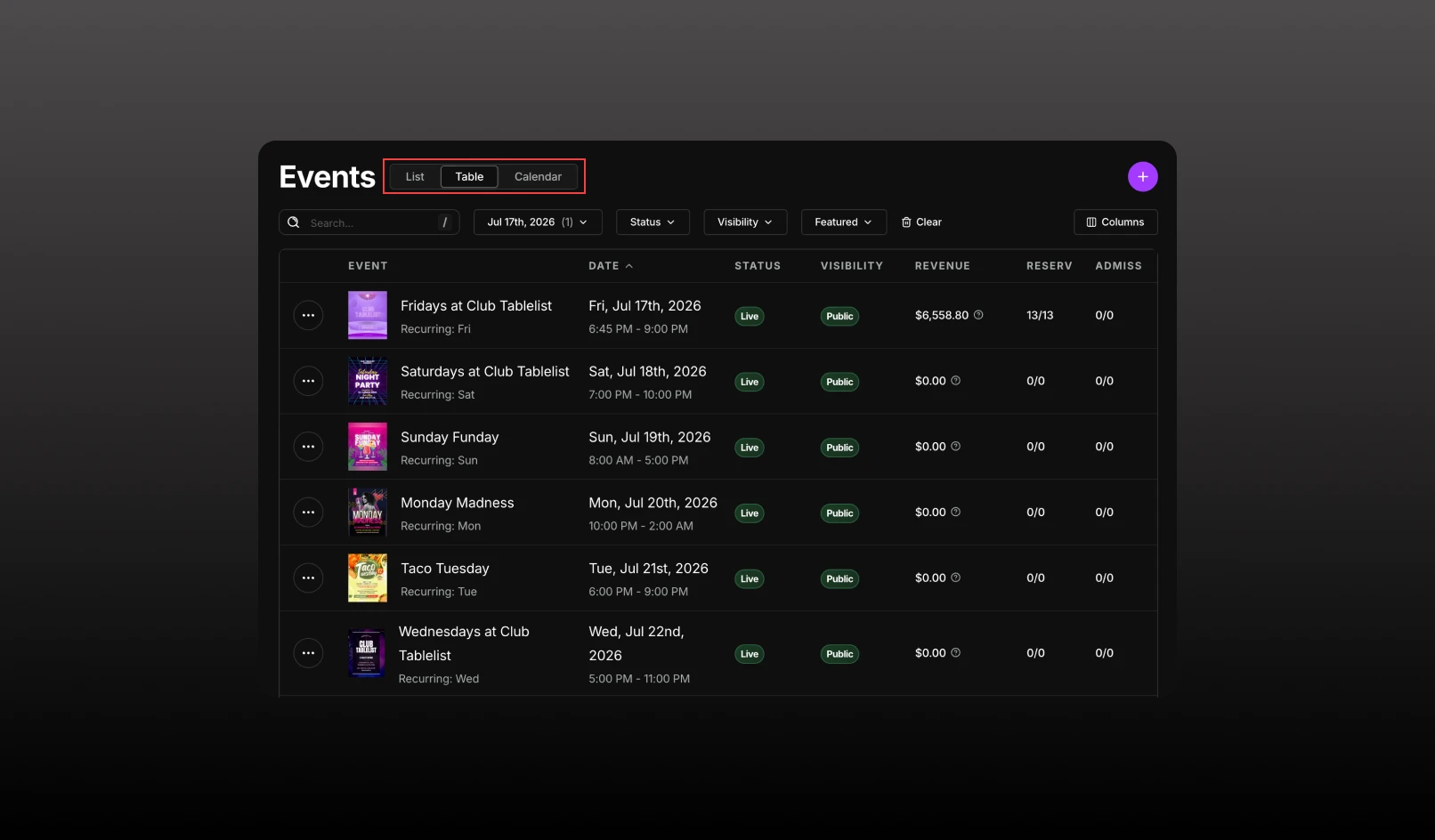
The Events page now has 3 ways to view your events: List / Table / Calendar
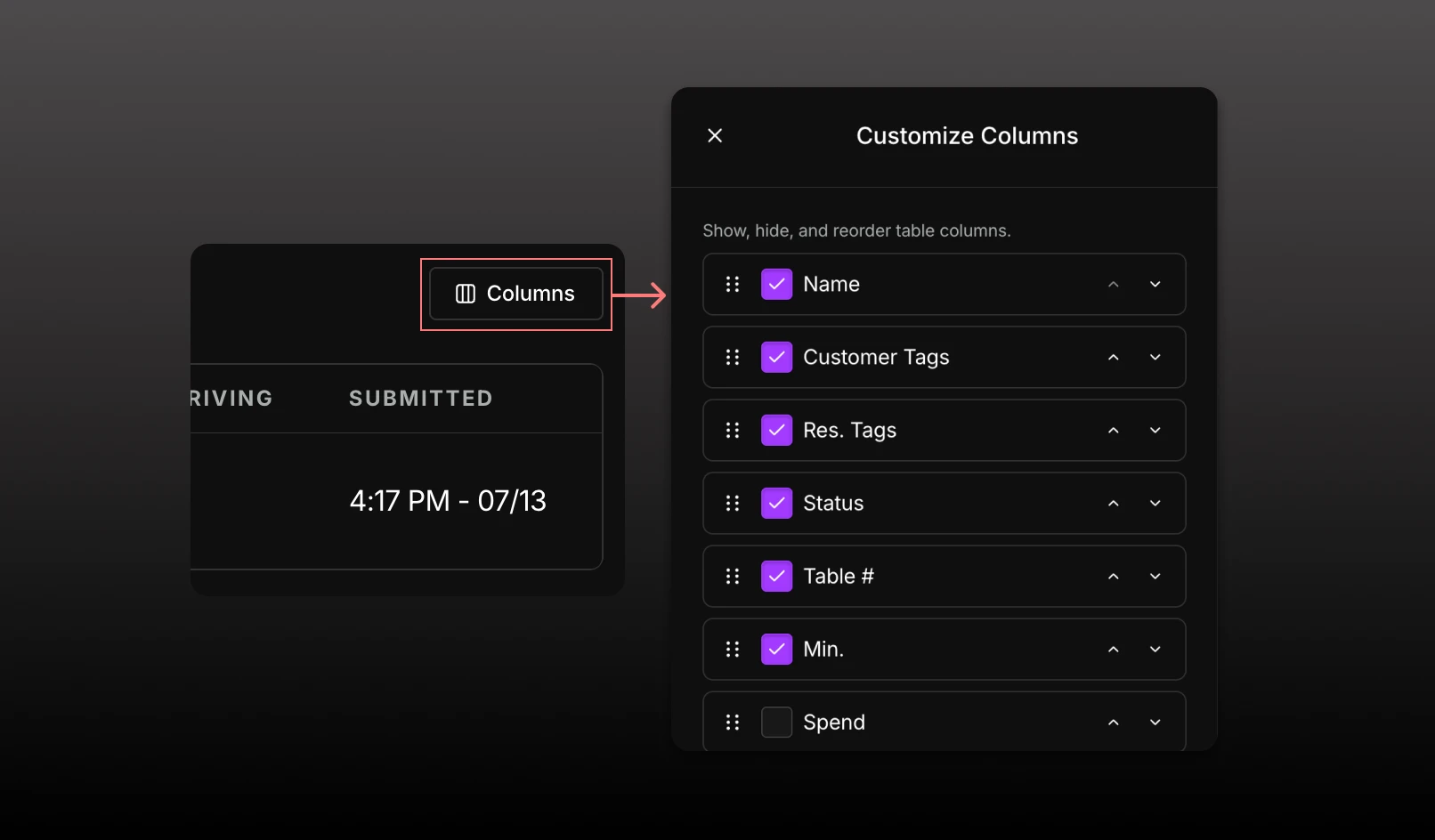
Customize and reorder table columns.
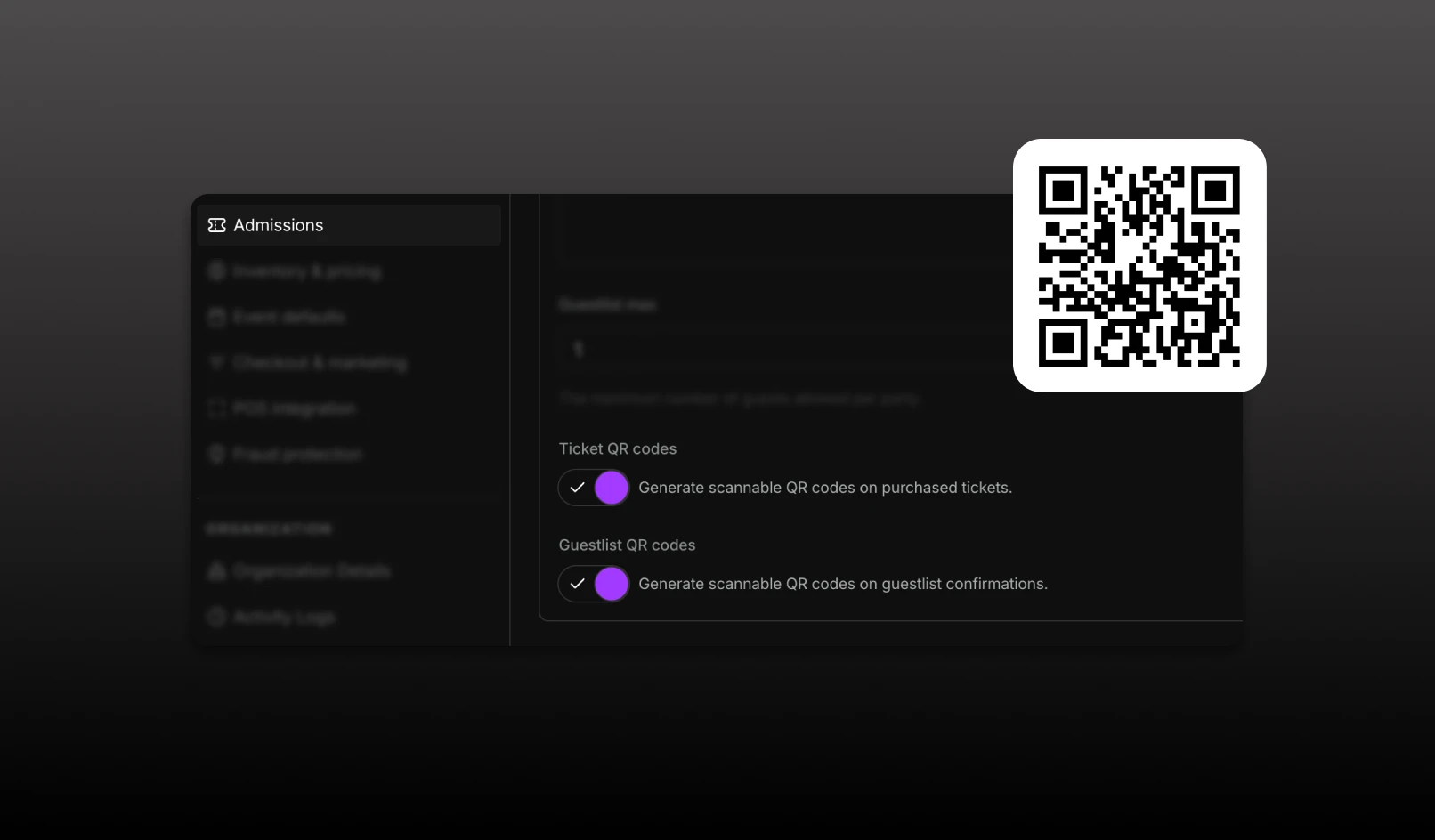
Ability to turn on/off QR codes for tickets and guestlists for faster mobile check-in.
The Toast POS <> Tablelist integration allows for easier table-spend reconciliation.
New version of the TablelistPro Web App is live for all users.
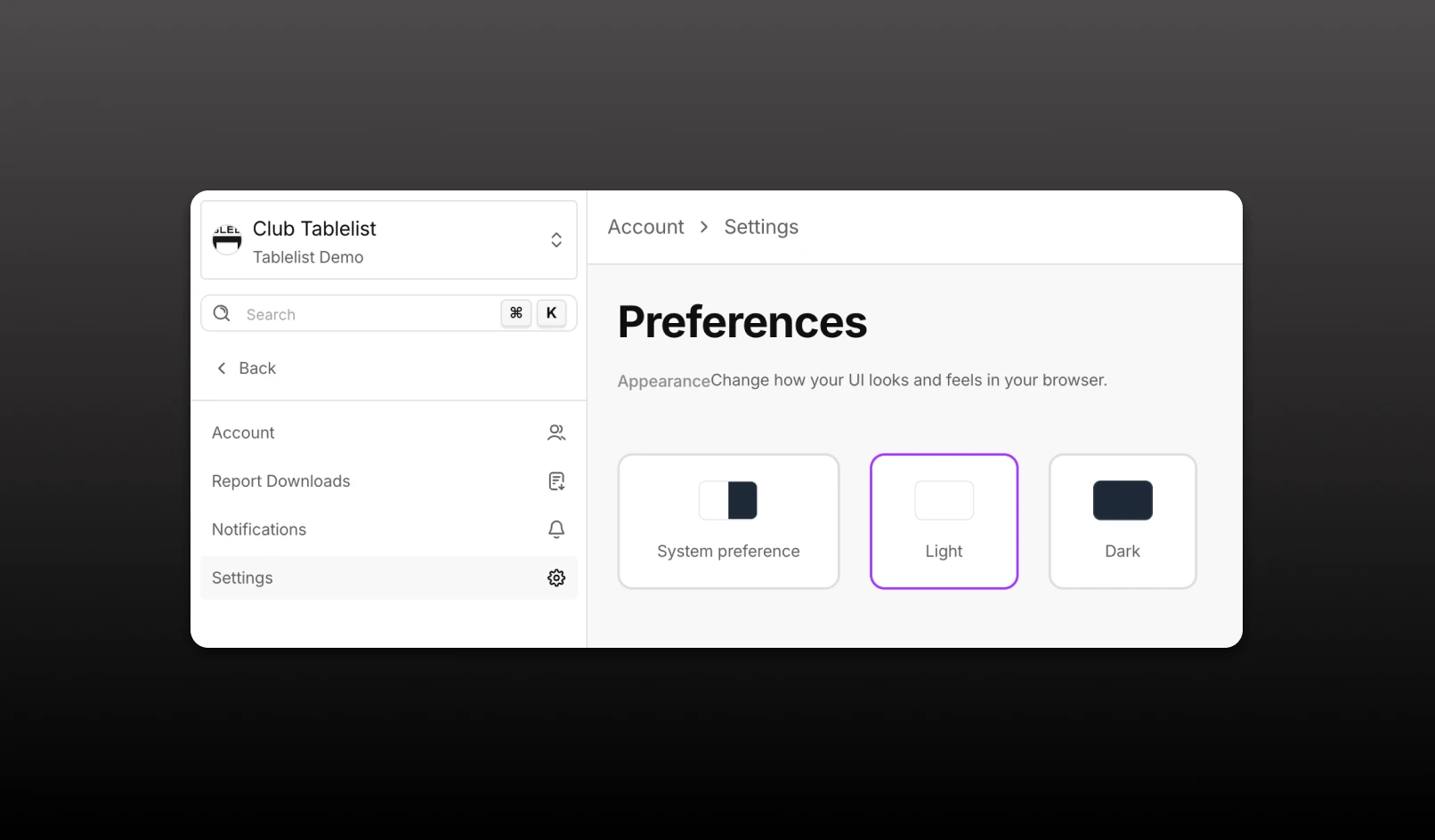
TablelistPro Web App supports both light and dark modes.
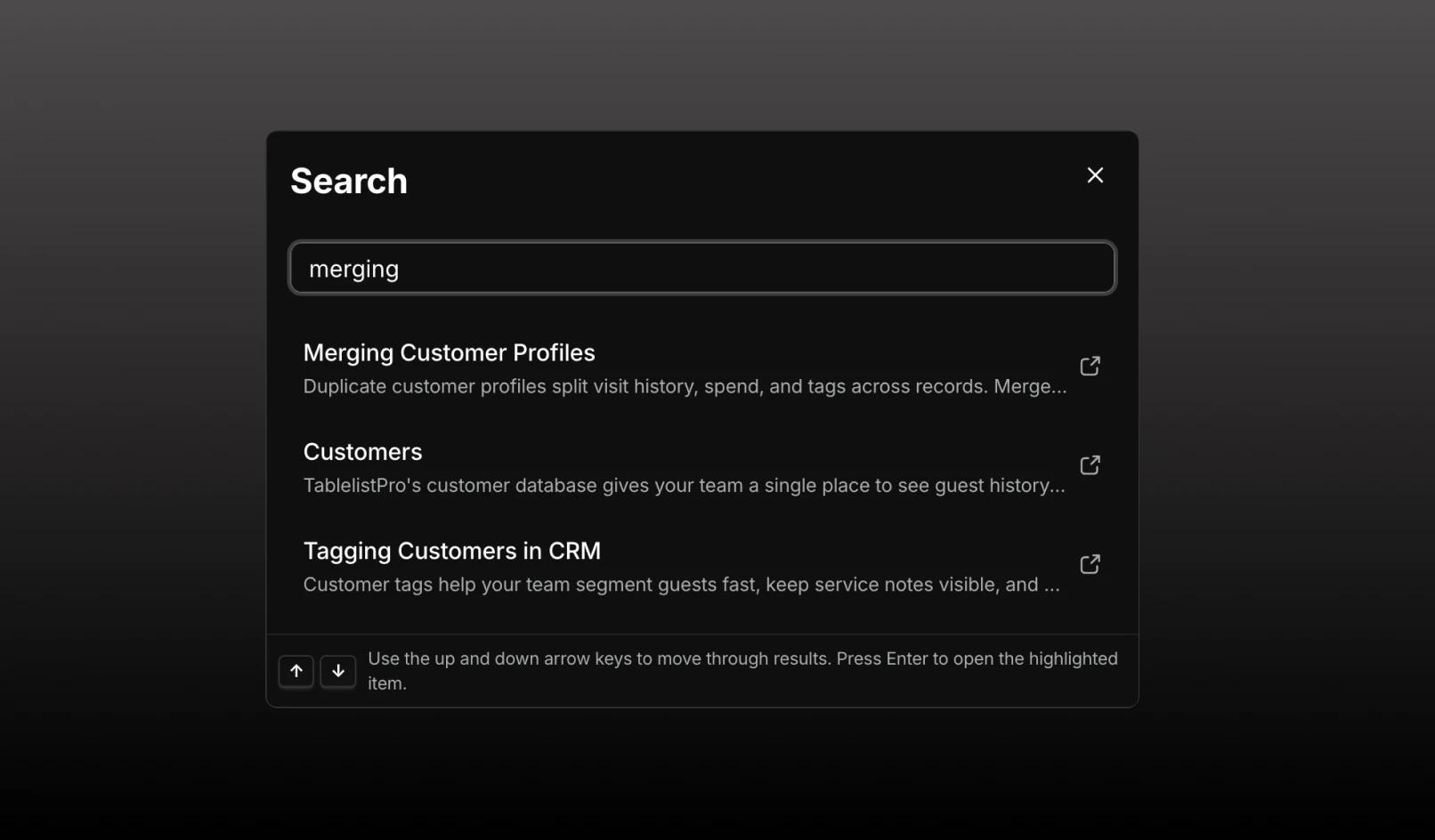
Use the search bar at the top of the left nav (or press ⌘K / Ctrl+K) to quickly jump to any page or find help articles.
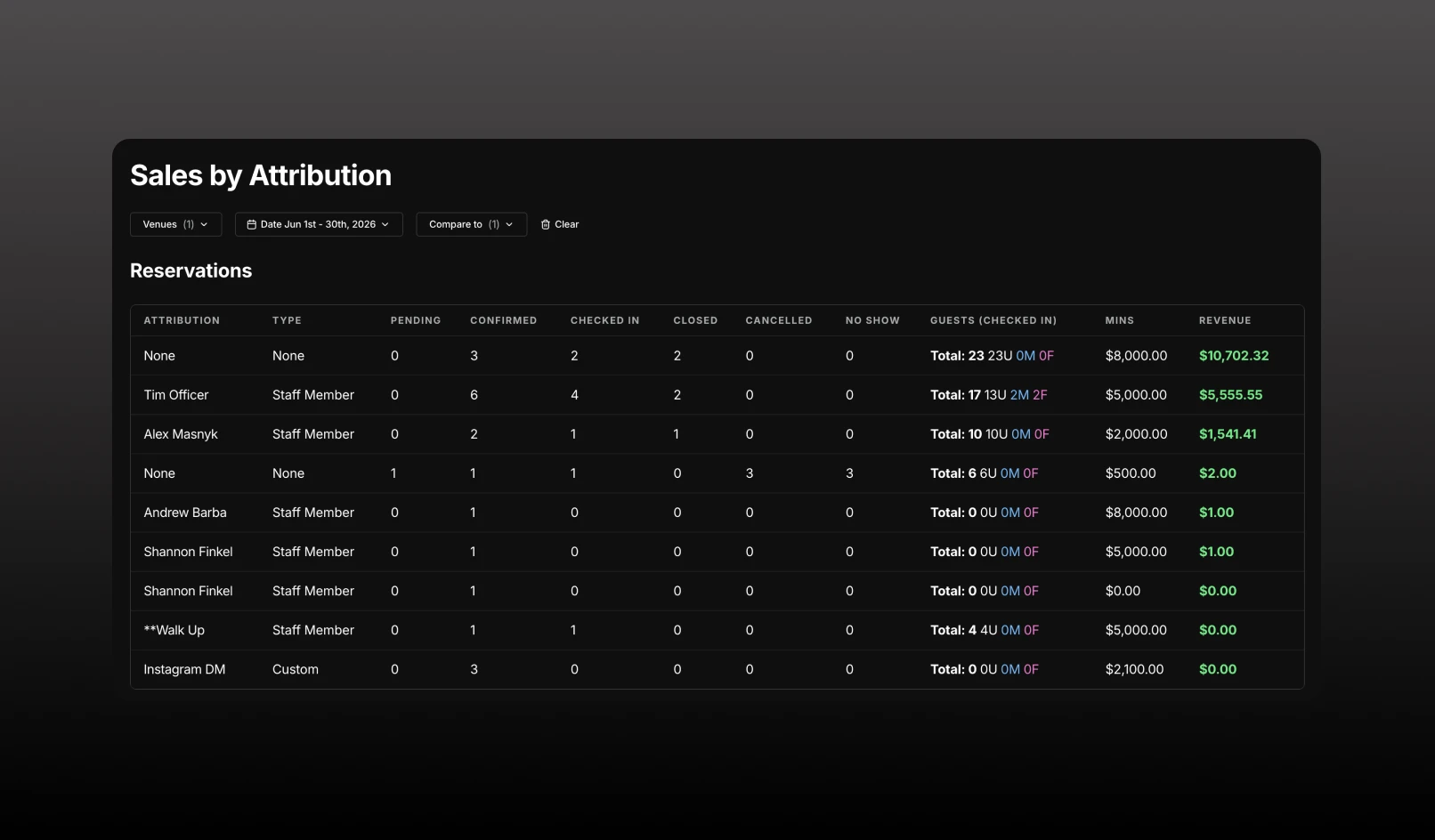
See which staff members, promoters, widgets, and partner channels drive the most reservations, admissions, and revenue.
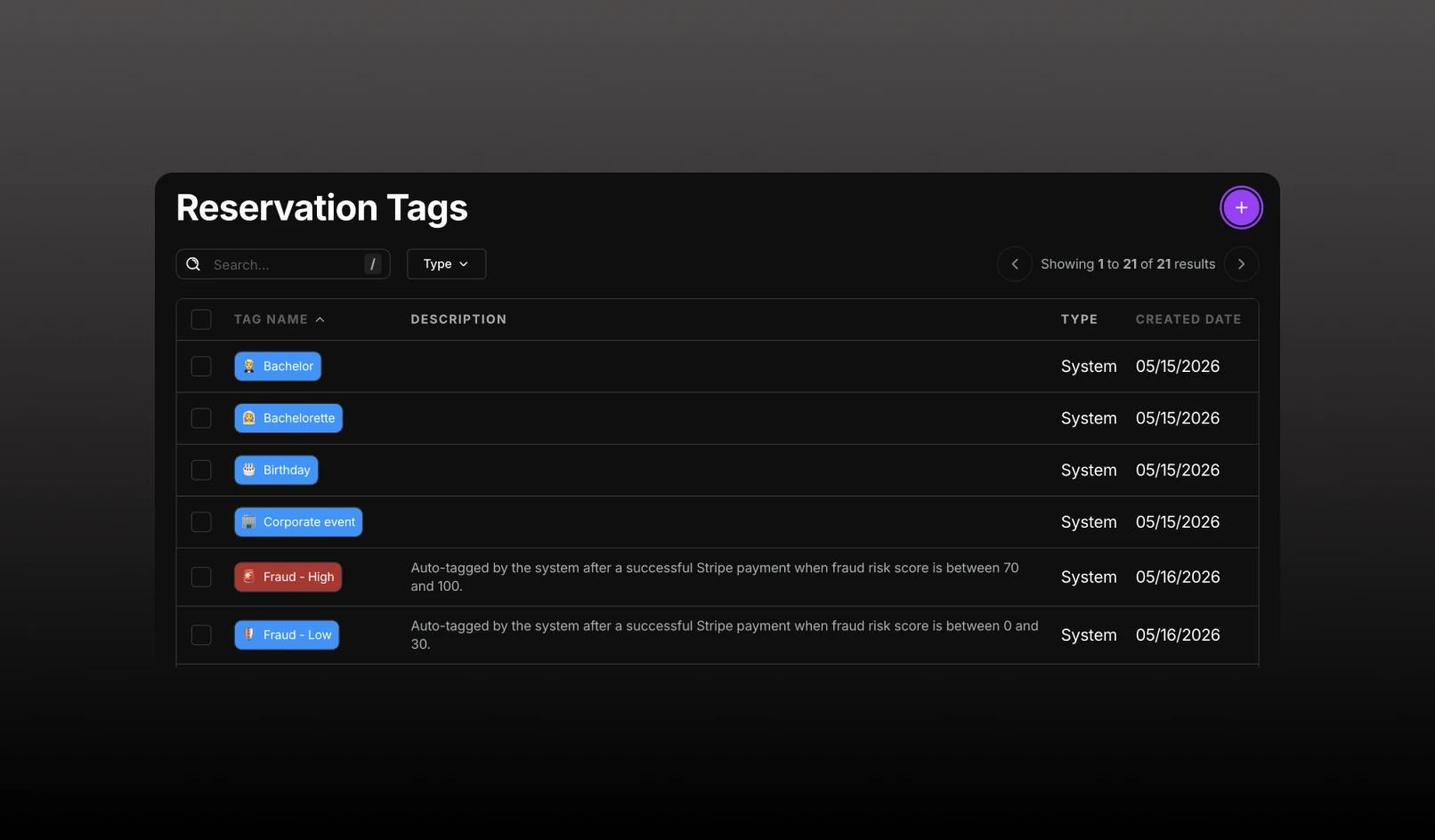
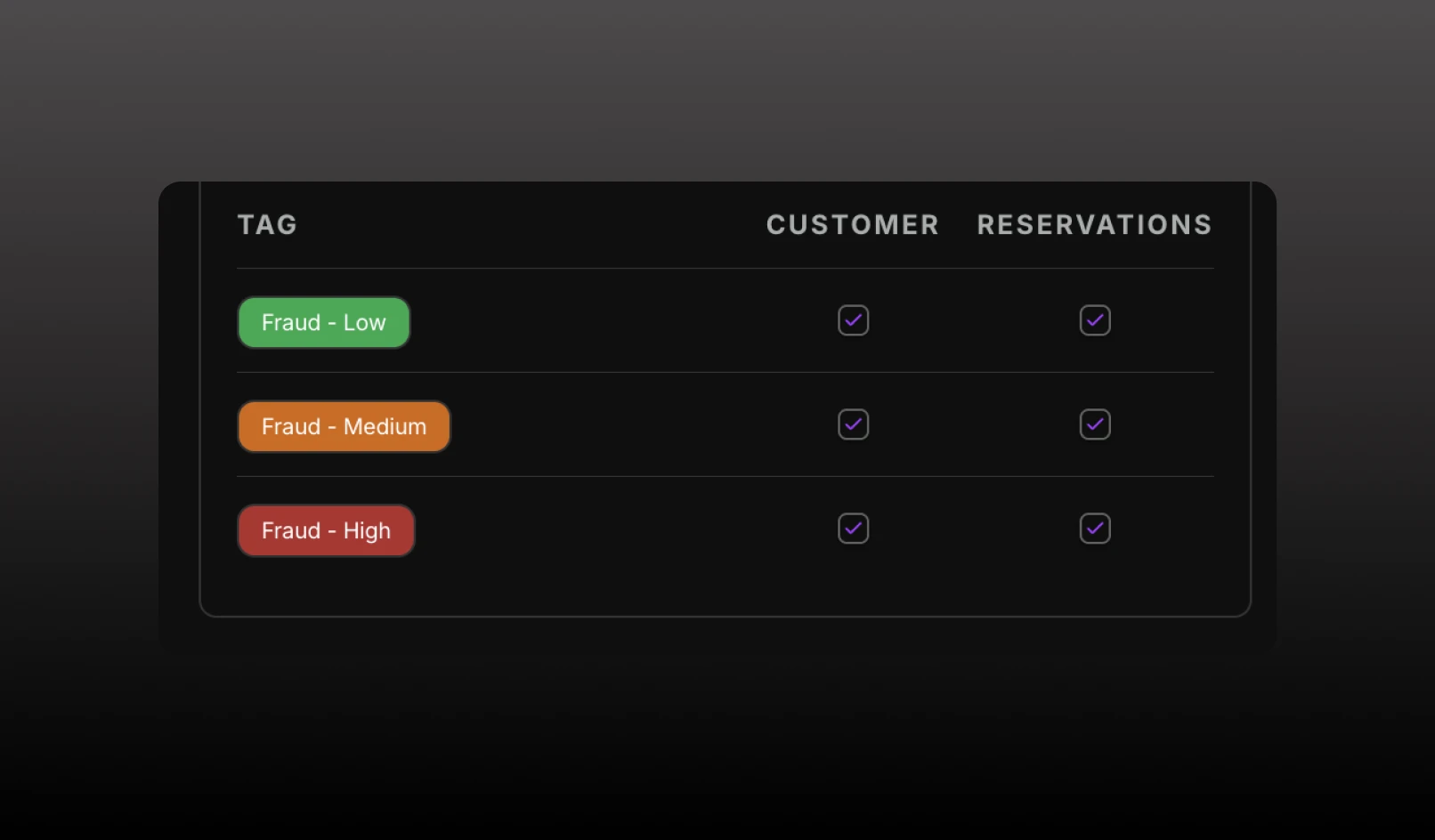
Automatically tag customers and reservations based on Stripe fraud risk scores, helping your team identify potentially risky bookings before check-in.
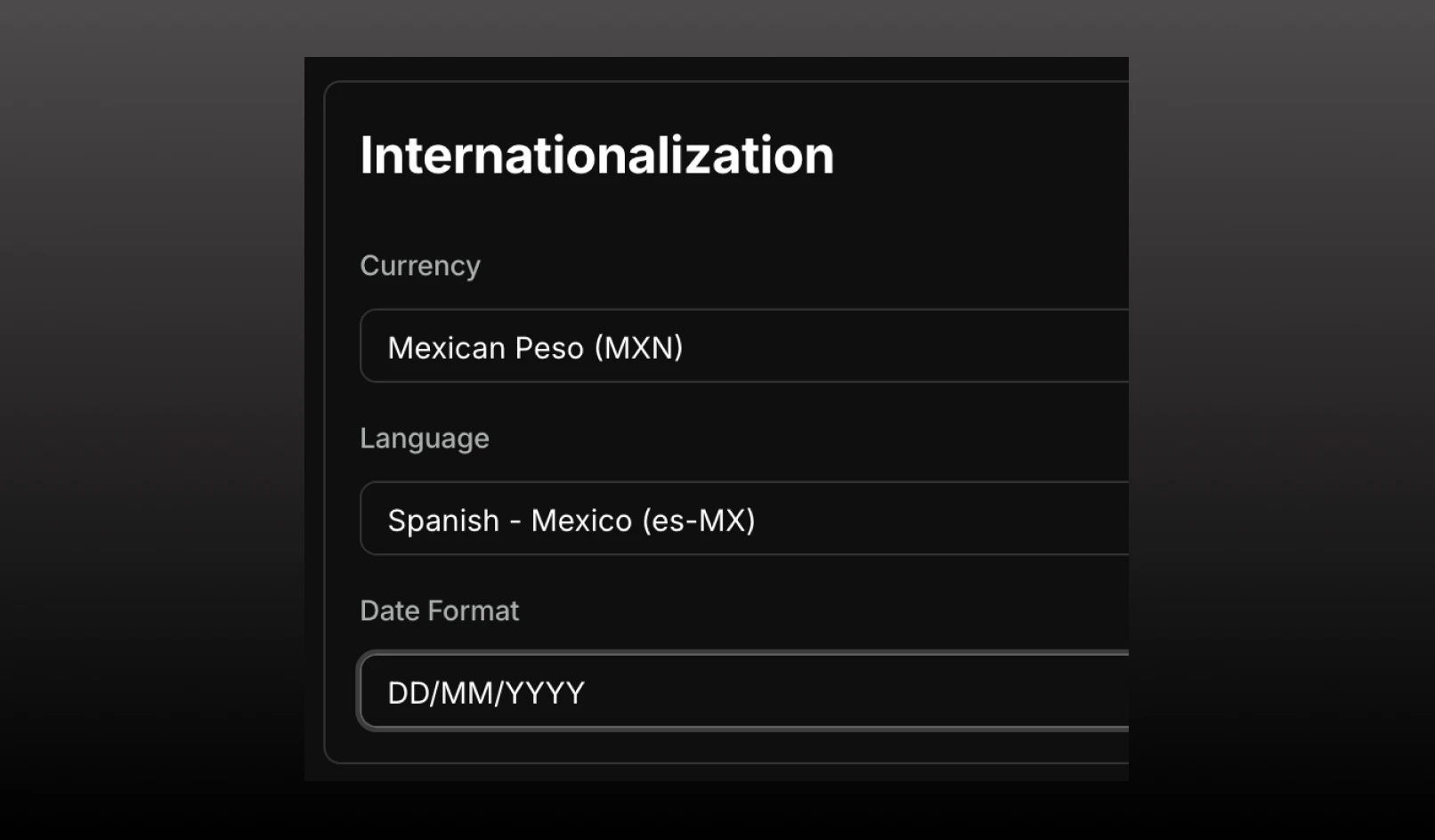
Configure language and date formatting preferences for your venue, giving you control over how your listing appears to customers.
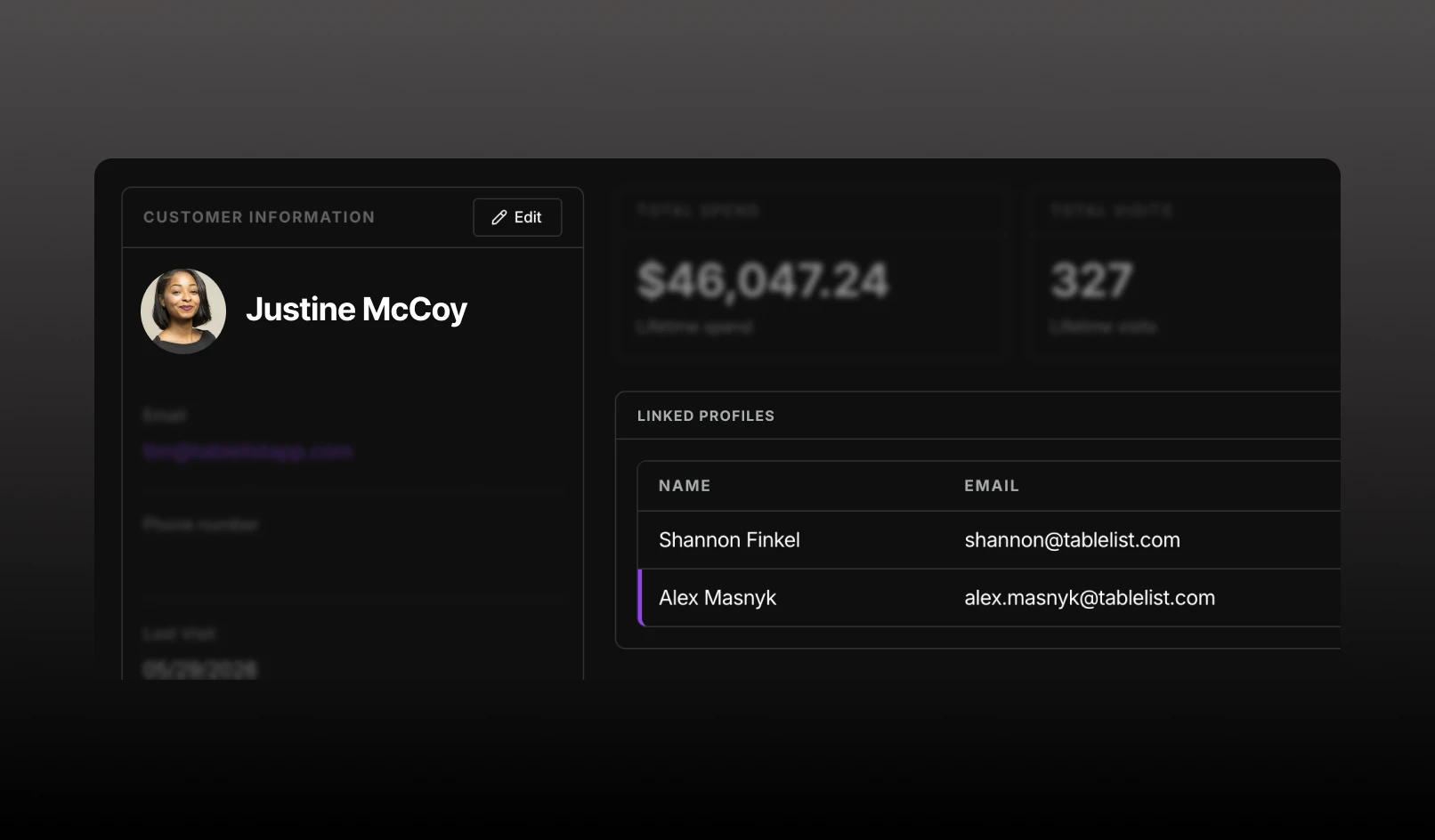
See relationships between guests without merging their customer profiles.
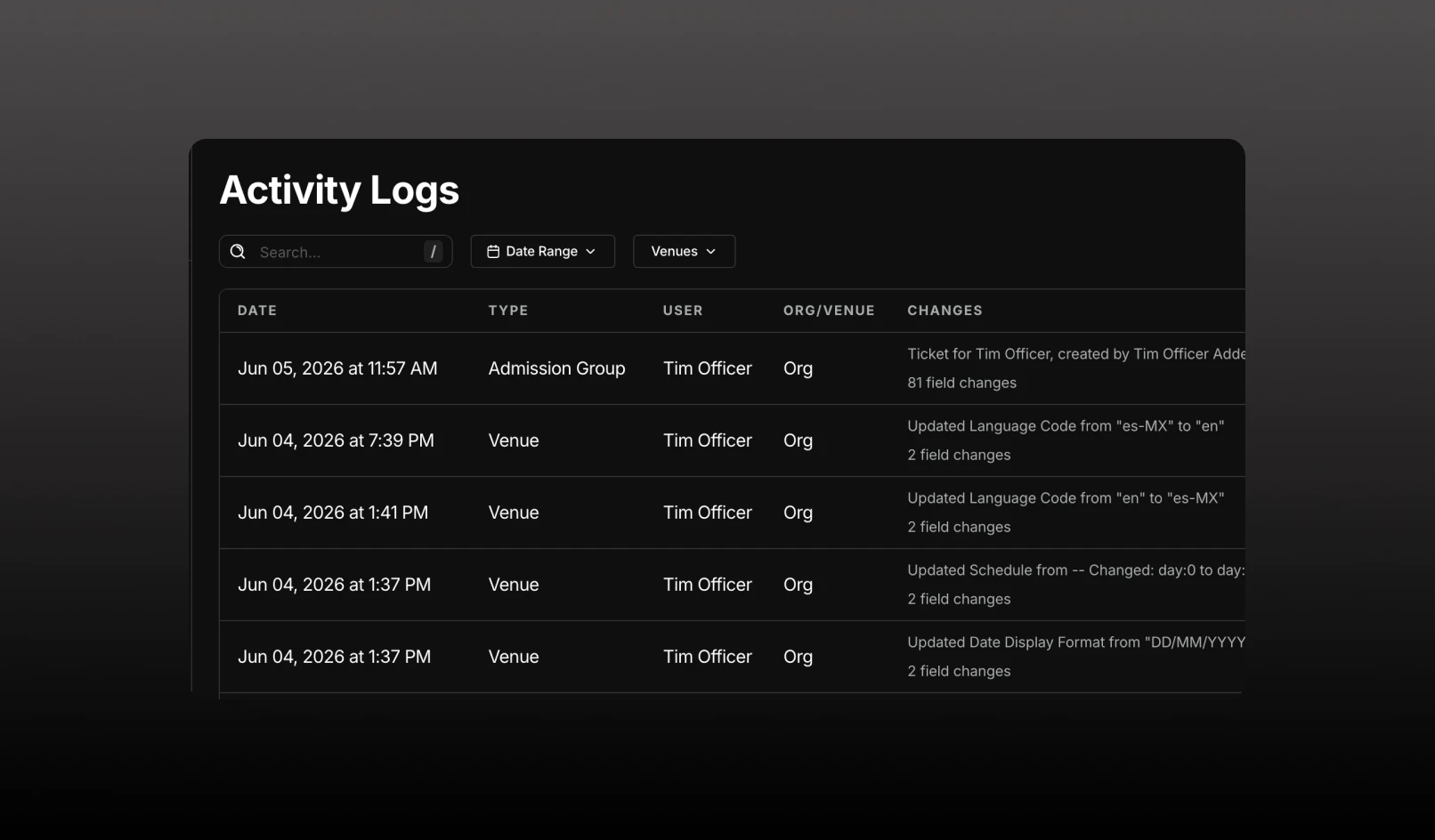
Get a complete audit trail of changes across your organization with the new Activity Logs page.
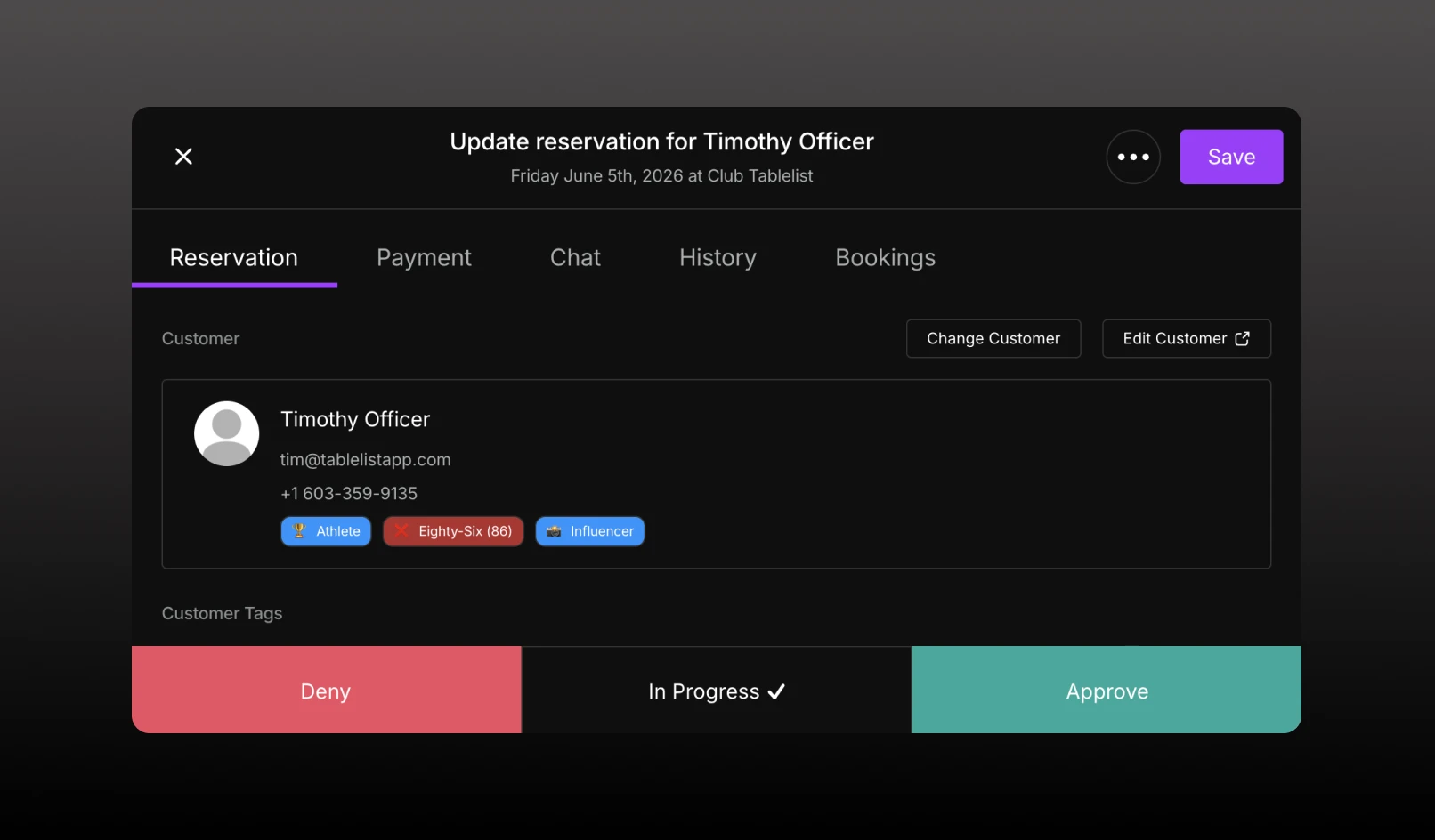
If your team is actively working the request, you can now move it to "In Progress" without approving or denying it.
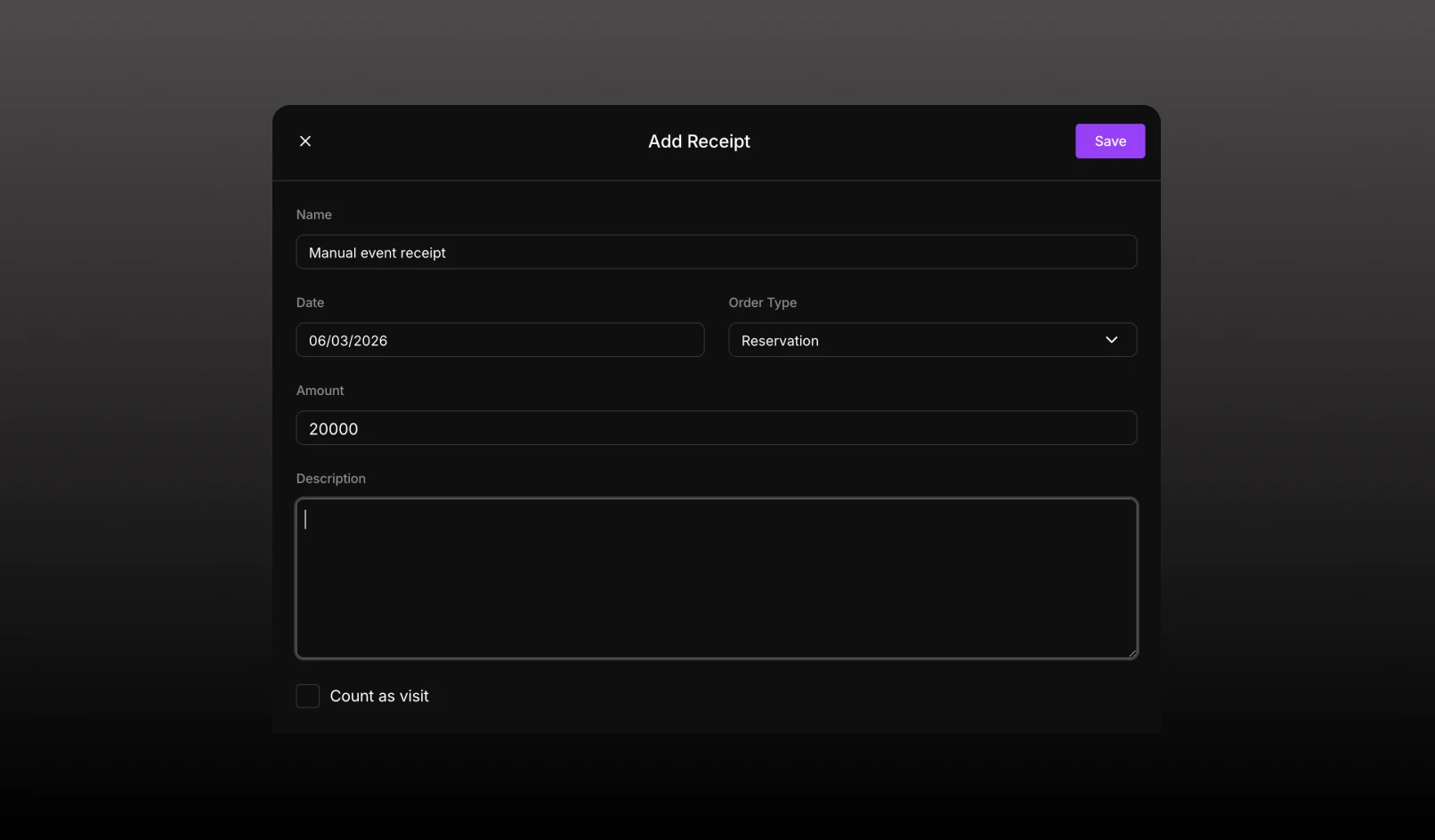
Keep customer spend and visit history accurate by manually adding receipts to CRM profiles
Reservation Tags let you label reservations, tickets, and guest list entries with important information such as VIPs, comps, special requests, operational notes, or fraud risk indicators.