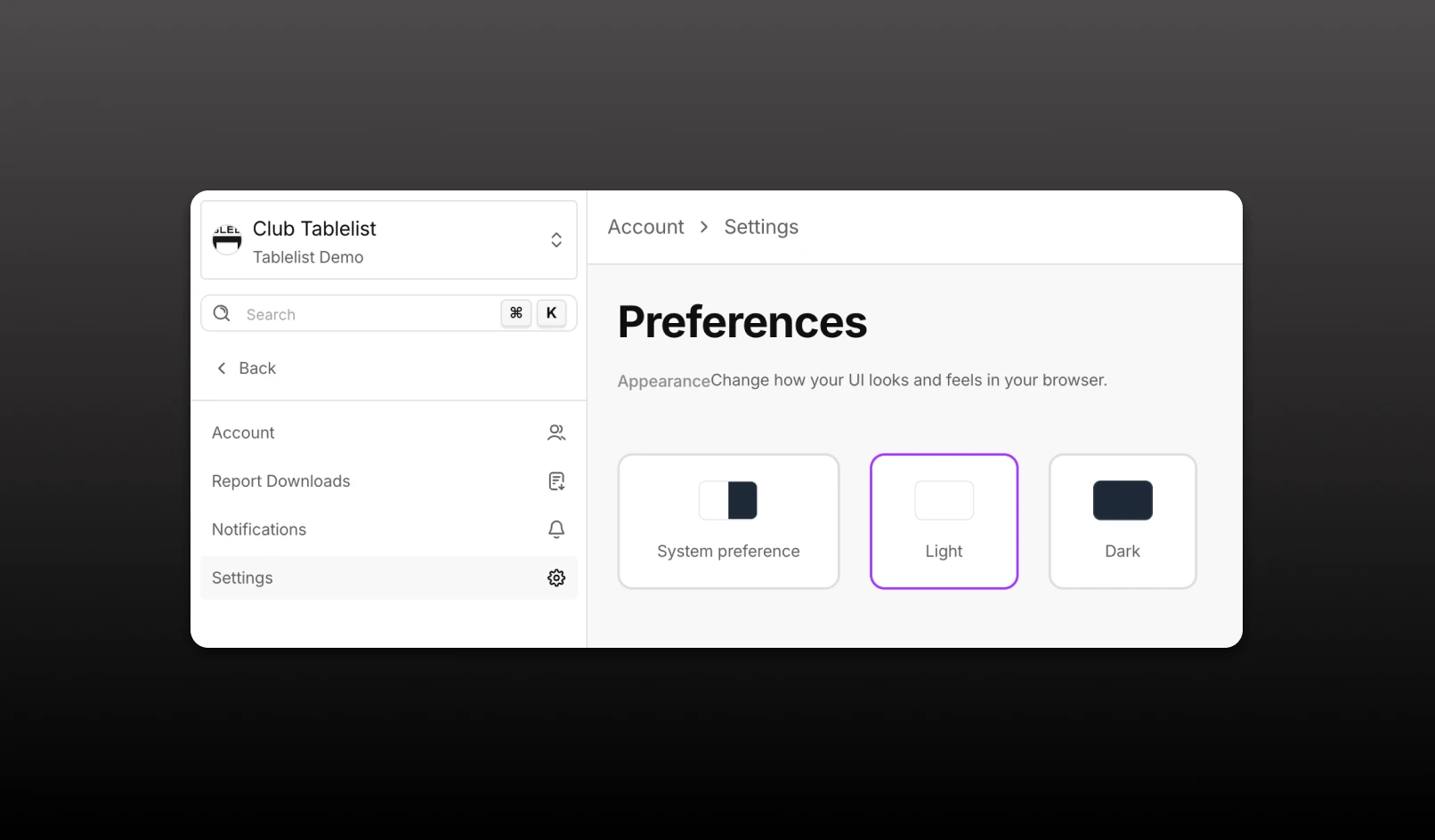
You can now control how TablelistPro looks in your browser.
What’s new
- New Appearance section under Account → Settings → Preferences
- Choose Light, Dark, or System preference (matches your OS setting)
- Your choice is remembered across sessions and page reloads
- Charts and UI update immediately when you switch themes
Notes
- This setting is per browser/device and applies only to your management app experience
- Venue Branding settings still control how guest-facing pages and widgets appear for customers
- If you haven’t chosen a preference, the app defaults to dark mode