
Configure language and date formatting preferences for your venue, giving you control over how your listing appears to customers.
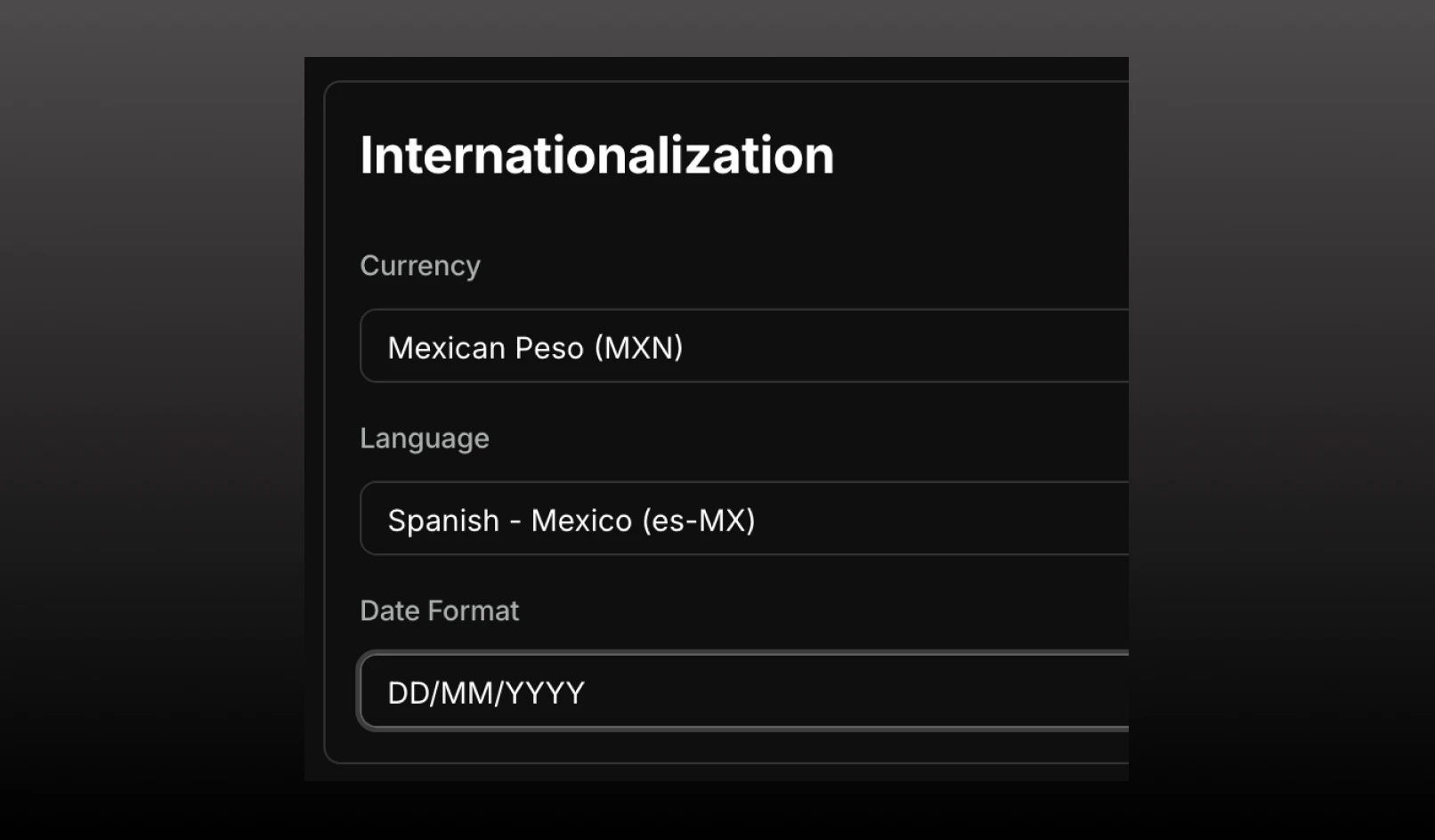
Find these settings under Settings > Internationalization.
You can now configure language and date formatting preferences for your venue, giving you control over how your listing appears across all external surfaces.
Spanish language support: Set your venue's primary language to Spanish. Your venue name, details, and content will display in Spanish wherever your venue is listed externally, including booking widgets and the consumer app.
Date format: Choose between MM/DD/YYYY or DD/MM/YYYY to match your region or guest expectations.