
Collect the rest of a reservation after a deposit with a Balance Due payment link. The amount defaults to what’s still owed, including tax and fees.
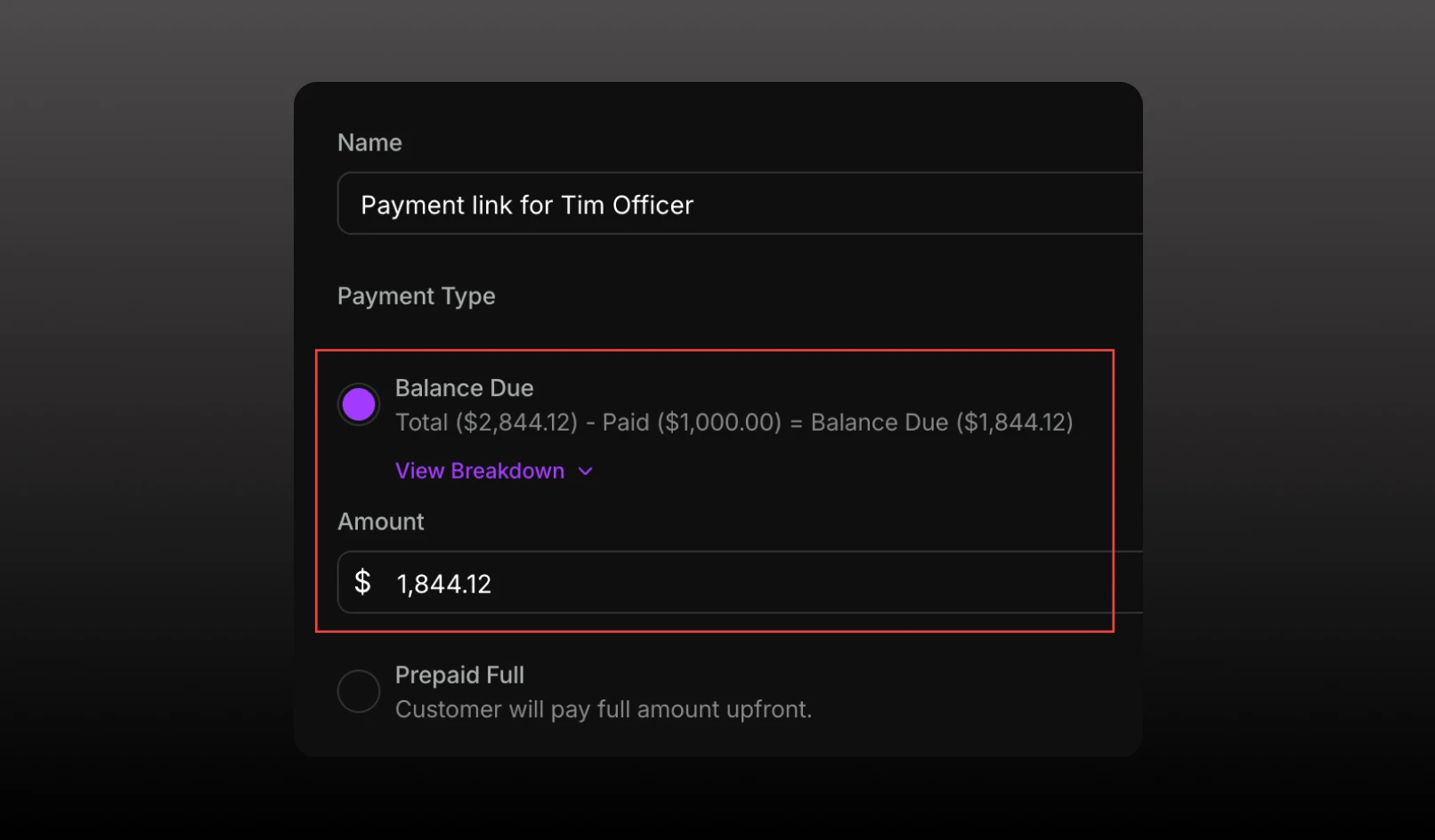
You can now send a payment link for the remaining balance on a reservation.
On Request Payment, Balance Due appears when the reservation already has a payment link, something has already been paid, and a balance is still owed. It’s selected by default in that case.
The option shows the full table quote, what’s already been paid, and the remaining balance. View Breakdown opens the quote (minimum, tax, service charge, and fees) so you can see how the remaining amount was calculated. The amount field is filled with that remaining balance, before the processing fee. The guest’s buyer total on this link adds processing on top, the same way a prepaid full payment does.

The link description uses “remaining balance of $X” and does not append “+ taxes and/or fees,” because tax and fees are already in the amount. The guest email says “Pay remaining balance,” and the receipt is labeled Balance Due.