
Print a QR code for an attribution link, so the booking is credited to that source.
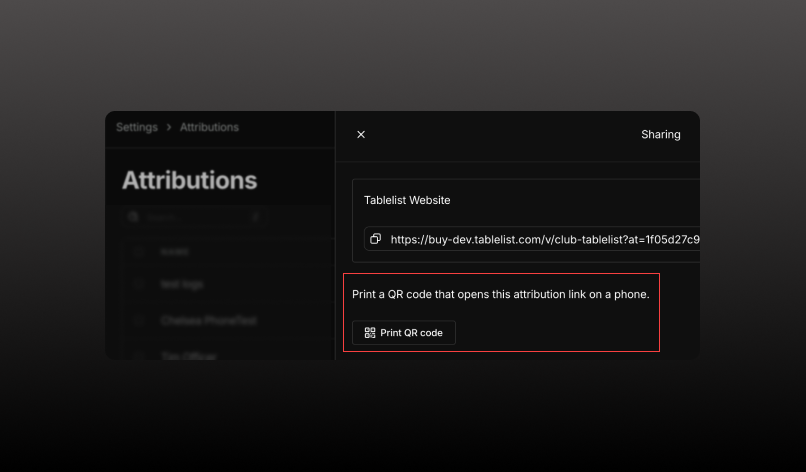
In addition to QR codes for events, widgets, and venues, you can now print a QR code for an attribution link. Guests scan it with their phone’s camera, land on the venue page, and the booking is credited to that source in Sales by Attribution.
What’s new
Note: Event, venue, and widget Print QR code still open the buy page with no tracking ID, so those bookings show as None. Print from Sharing when you want credit.