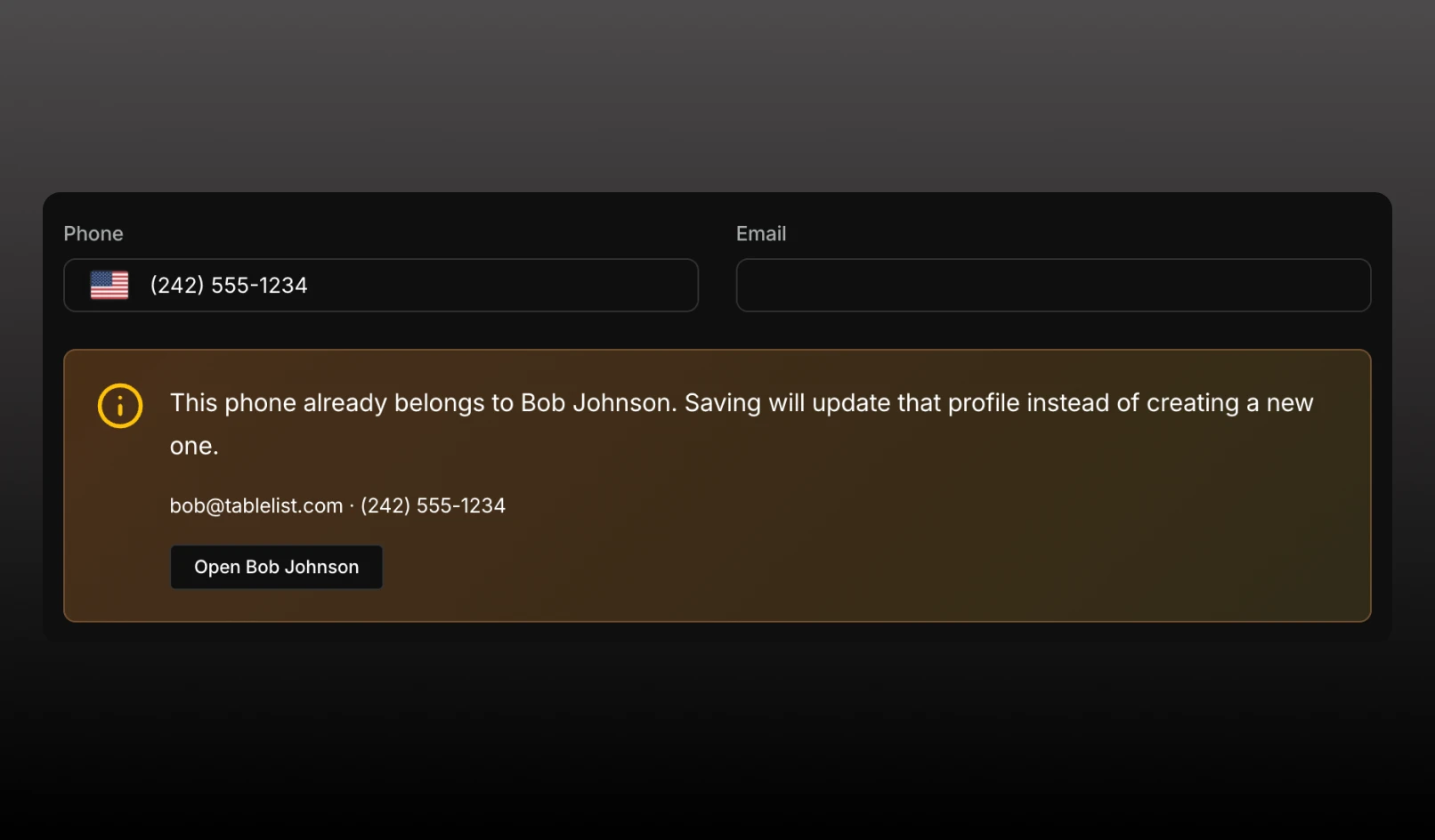
When creating or editing a CRM profile, if there’s a match on phone or email, a warning appears under those fields with the guest’s name, contact info, and an Open button to jump to that profile.
What’s new
- Duplicate check runs as you type phone or email in the customer slide-out (Customers list and customer profile).
- The warning names who already owns that contact info so you can open their profile instead of creating a second one.
- On a new customer, Save becomes Save to existing profile. Saving updates that profile instead of creating a new one.
- Phone matches win if the phone and email belong to two different people.
- Editing an existing customer to use another guest’s phone or email does not merge the profiles. The warning says that clearly so staff can merge manually if they mean to.