
We've added two new ways to start conversations with your customers, making it easier to reach out whenever you need.
We've added two new ways to start conversations with your customers, making it easier to reach out whenever you need.
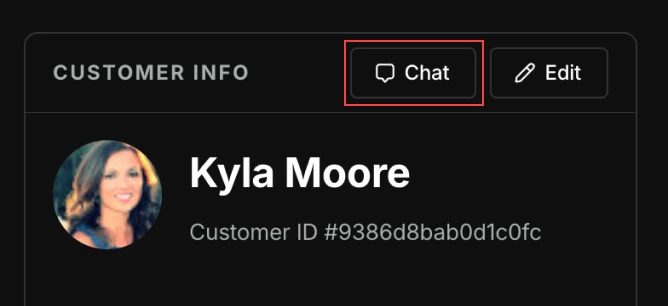
Start a chat from a CRM profile
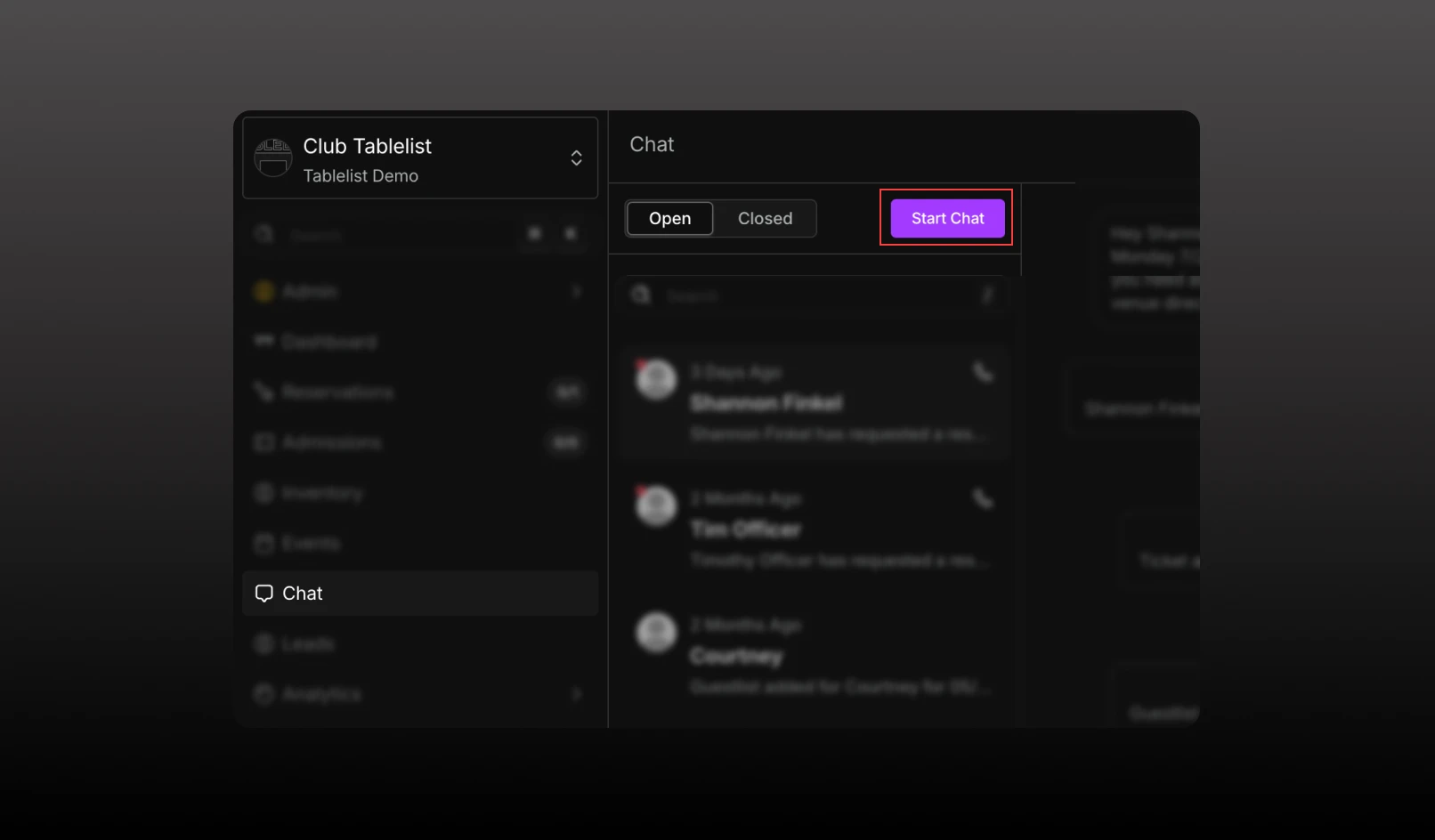
Start a chat from the Chat inbox
Whether you're viewing a customer's profile or working directly from the Chat inbox, you can now start conversations in just a few clicks.