
New email templates for order, ticket, guestlist, and reservation confirmations.
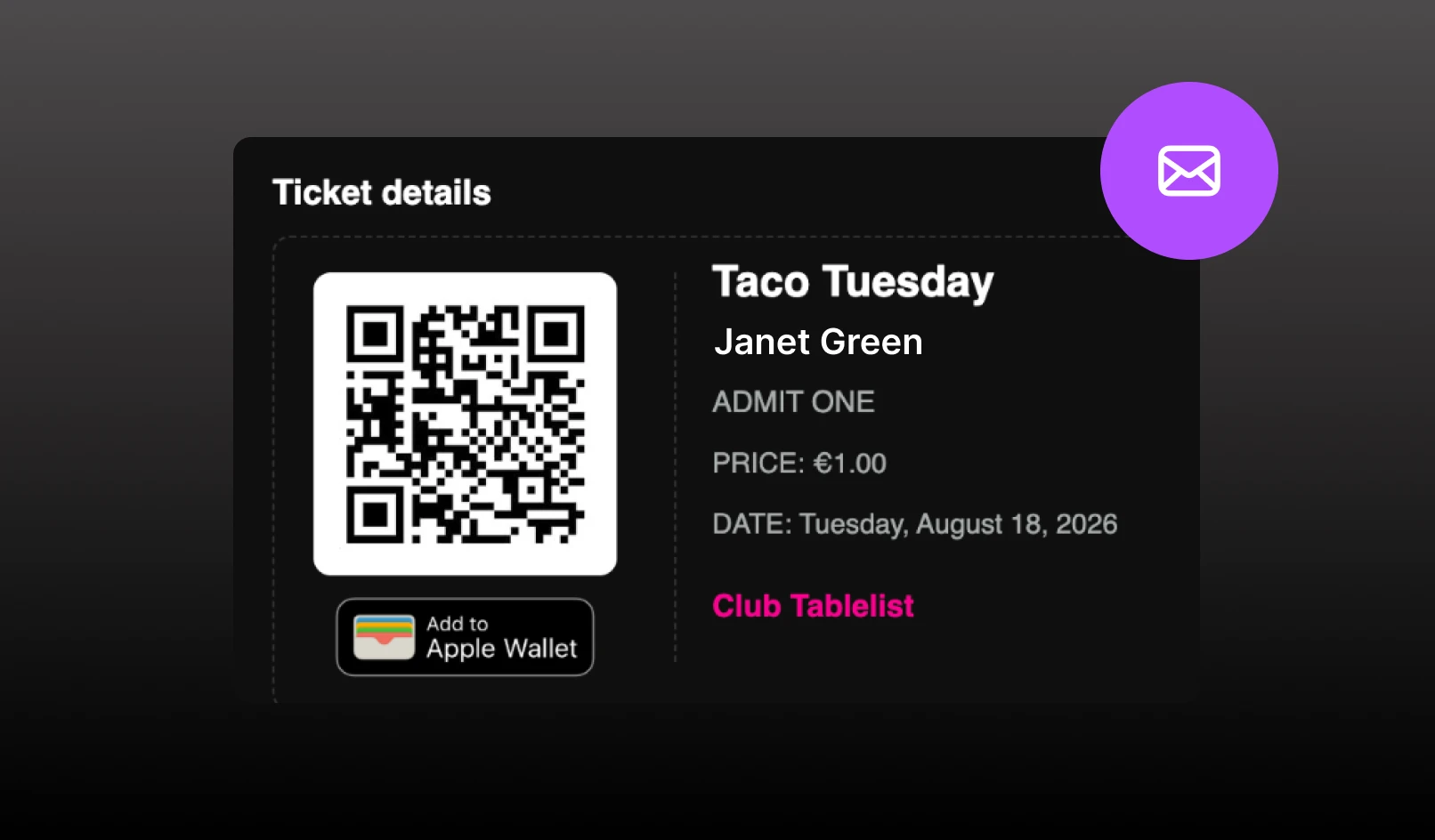
Order, ticket, guestlist, and reservation confirmation emails use the new templates.
Ticket QR codes in the email
Each ticket renders as a card with the guest name, event, and date. The QR code sits on the ticket stub, so guests can show it from their inbox. Add to Apple Wallet is on the same card. The PDF download link is still there if they want a file.
Branded to the venue
Confirmation emails use the venue logo, accent color, and hero image (event image for tickets, venue image for tables). Light/dark branding follows venue settings.
Clearer order details
Guests see date and time, venue, order number, party size, amount paid, and anything due on arrival. Paid orders include an itemized summary with fees, tax, and tip.
What you already configure still shows
Inventory description, terms & conditions, and reservation/guestlist notes still appear in the email. Custom confirmation subject lines still apply.