
Automatically tag customers and reservations based on Stripe fraud risk scores, helping your team identify potentially risky bookings before check-in.
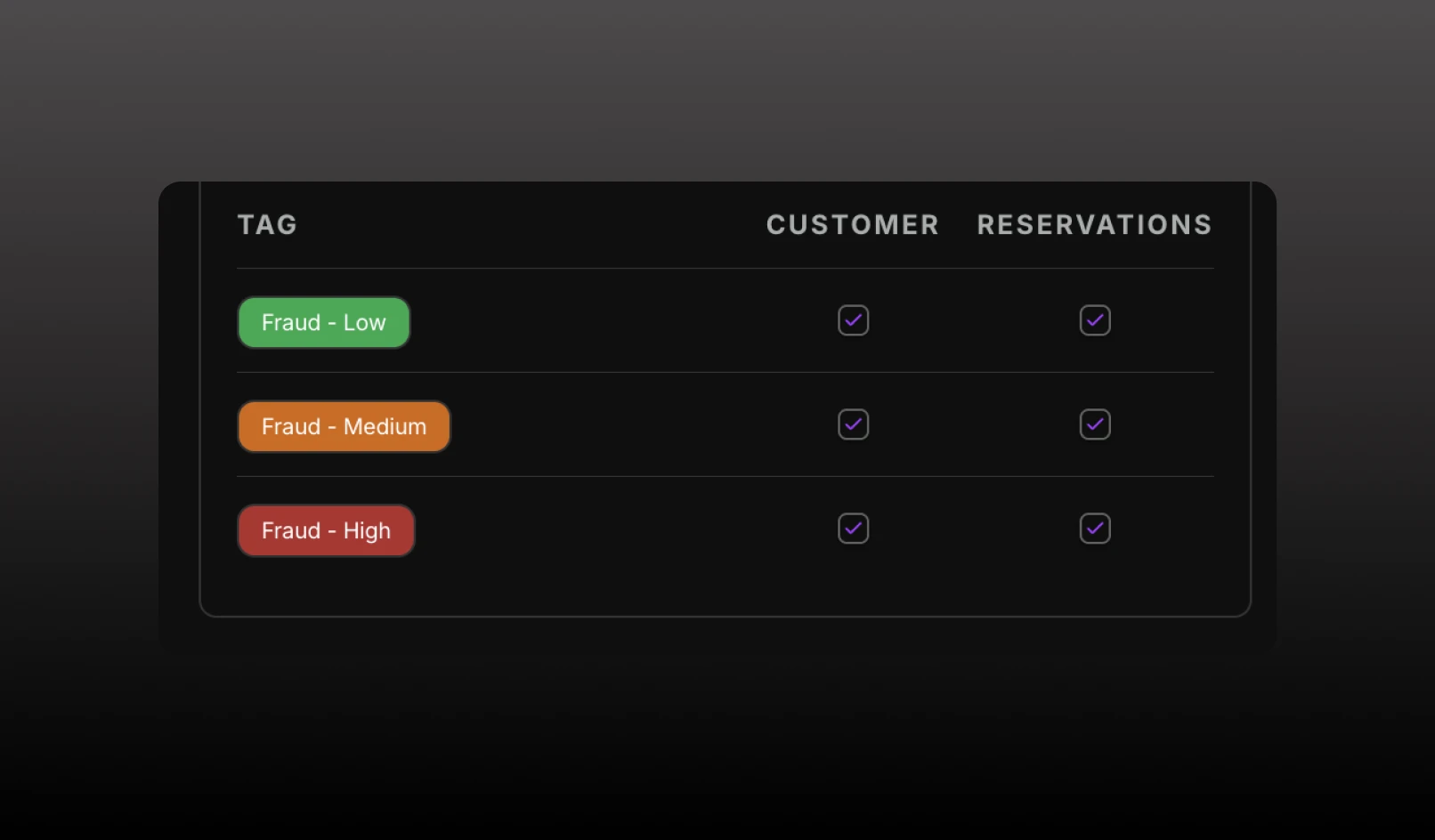
Automatically tag customers and reservations based on Stripe fraud risk scores, helping your team identify potentially risky bookings before check-in.
Can be found in Settings > Fraud protection.
What's new
How it works
After a successful Stripe payment, TablelistPro receives the fraud score from Stripe and assigns the corresponding fraud band.
You can choose whether each fraud band automatically applies tags to:
Fraud tags are system-managed and cannot be manually removed while auto-tagging is enabled.
Coming soon
We're working on additional fraud workflows, including the ability to automatically flag or block orders based on risk level and route medium-risk transactions for manual review.