
Customer Chat now handles email, not just texts.
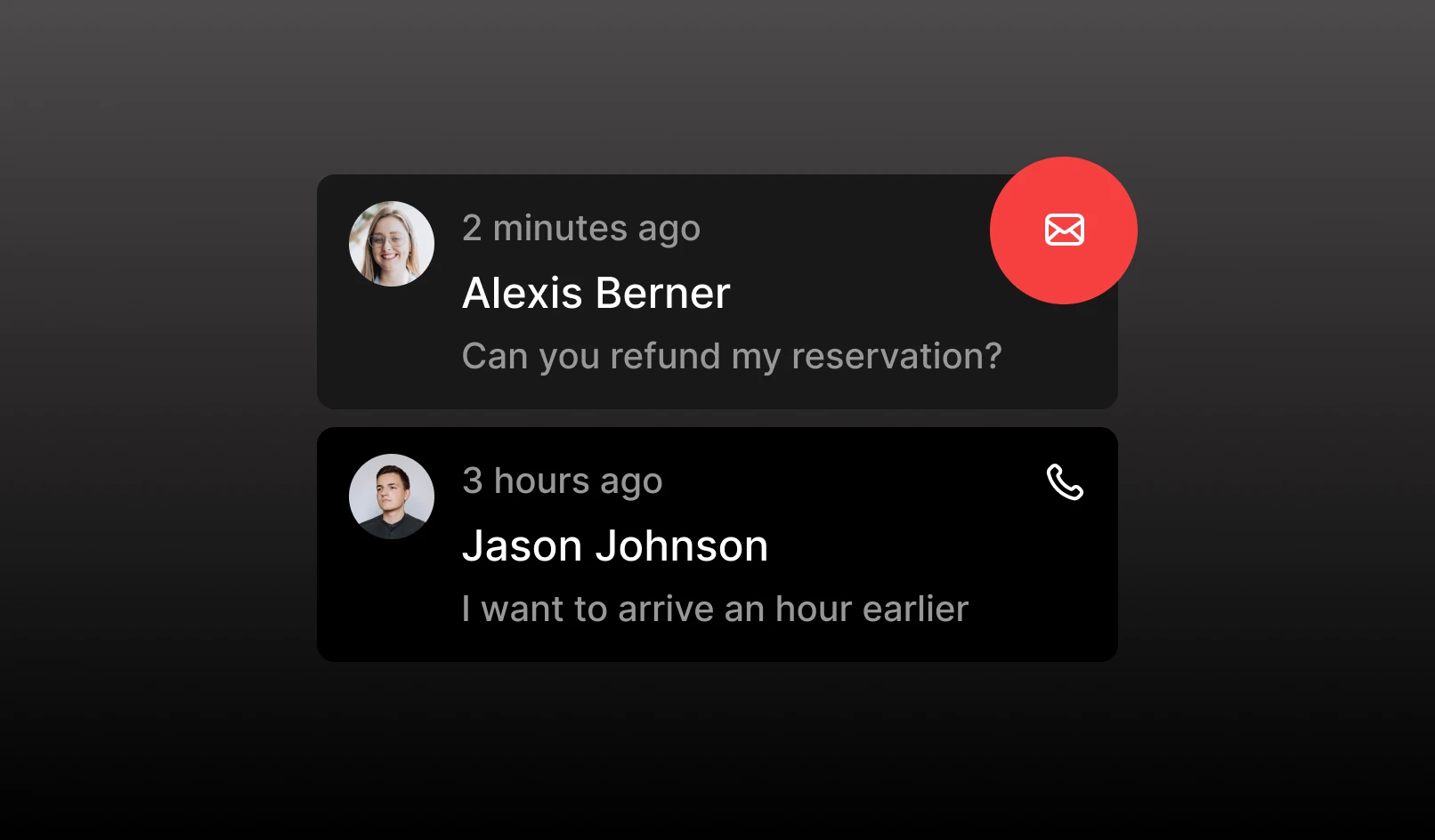
Customer Chat now handles email, not just texts.
And there's a new settings page so you always know your venue's chat contact info.
What's new
v-yourvenueid@chat.tablelistpro.com. All email notifications to your guests (order confirmations, order updates, and more) now send from this address.Heads up: this changes who handles guest email replies. These emails used to come from a shared Tablelist support inbox, and our support staff handled guest replies (refund requests, date changes, and so on) on your behalf. Those replies now route directly to your Chat inbox for your team to handle.
Don't have Customer Chat on your plan?
You'll now see all incoming chats in read-only mode. Want to respond from the inbox? Contact us to add chat to your plan.