
TablelistPro can now match Toast checks to the right reservation automatically, so table spend stays current without opening each reservation to attach the ticket.
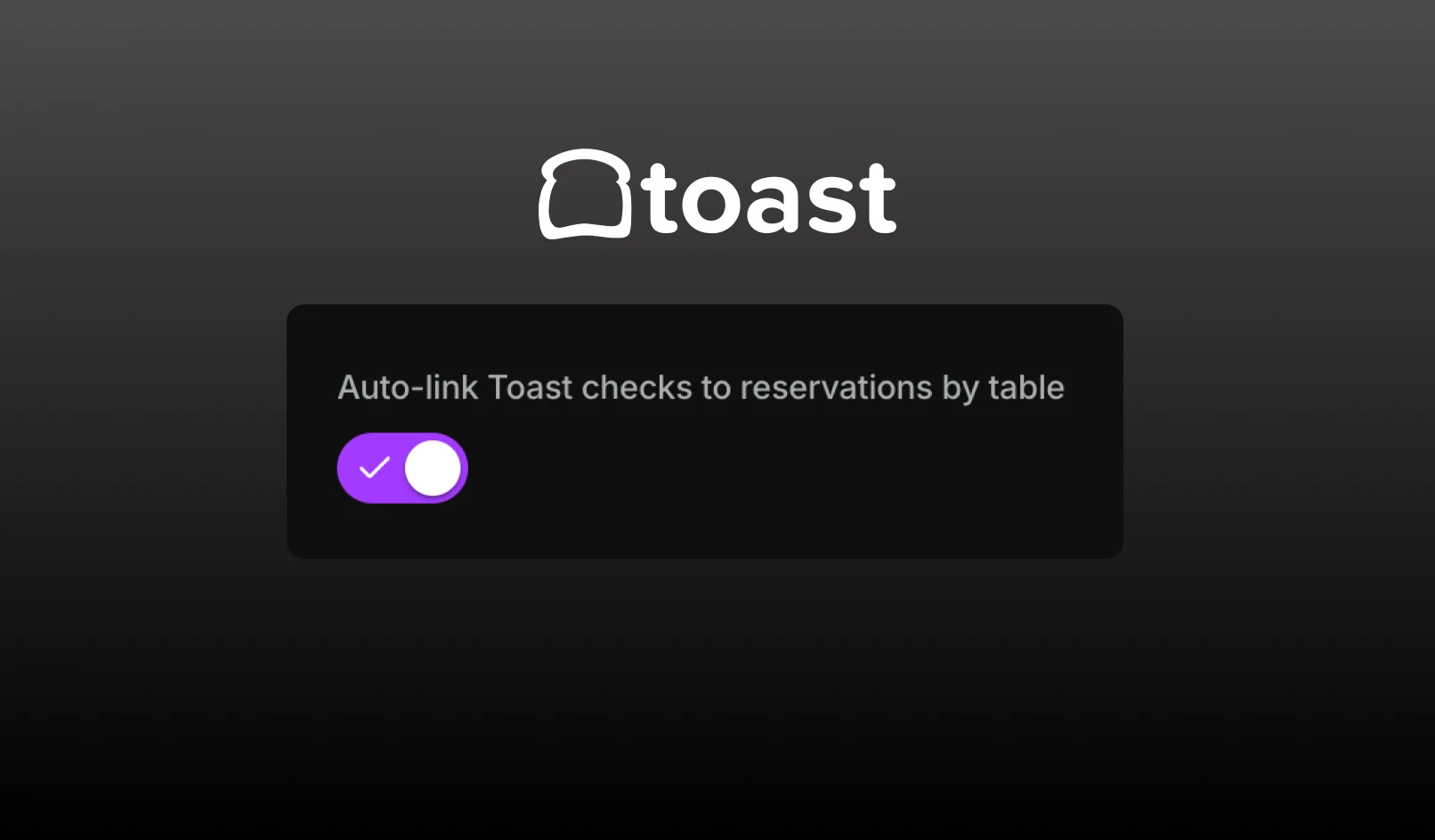
When the setting is on, TablelistPro checks Toast about every 10 minutes and attaches checks from that night to table reservations. A check is linked only when exactly one reservation matches the Toast table. Matching compares table names, so a Toast table named 81 can match a reservation table named Table 81.
Once a check is linked, TablelistPro keeps its ticket details current, including subtotal, tax, tip, and total, and updates the customer's spend numbers.
Open Settings > Integrations, and open your Toast integration. Turn on "Auto-link Toast checks to reservations by table", then click Save.